Write. Journal. Think.

Notes, journal, and tasks in one beautiful app.
Works in your browser. Installs on any device.
Pay once, own it forever.

No account required. No subscription. Works offline.

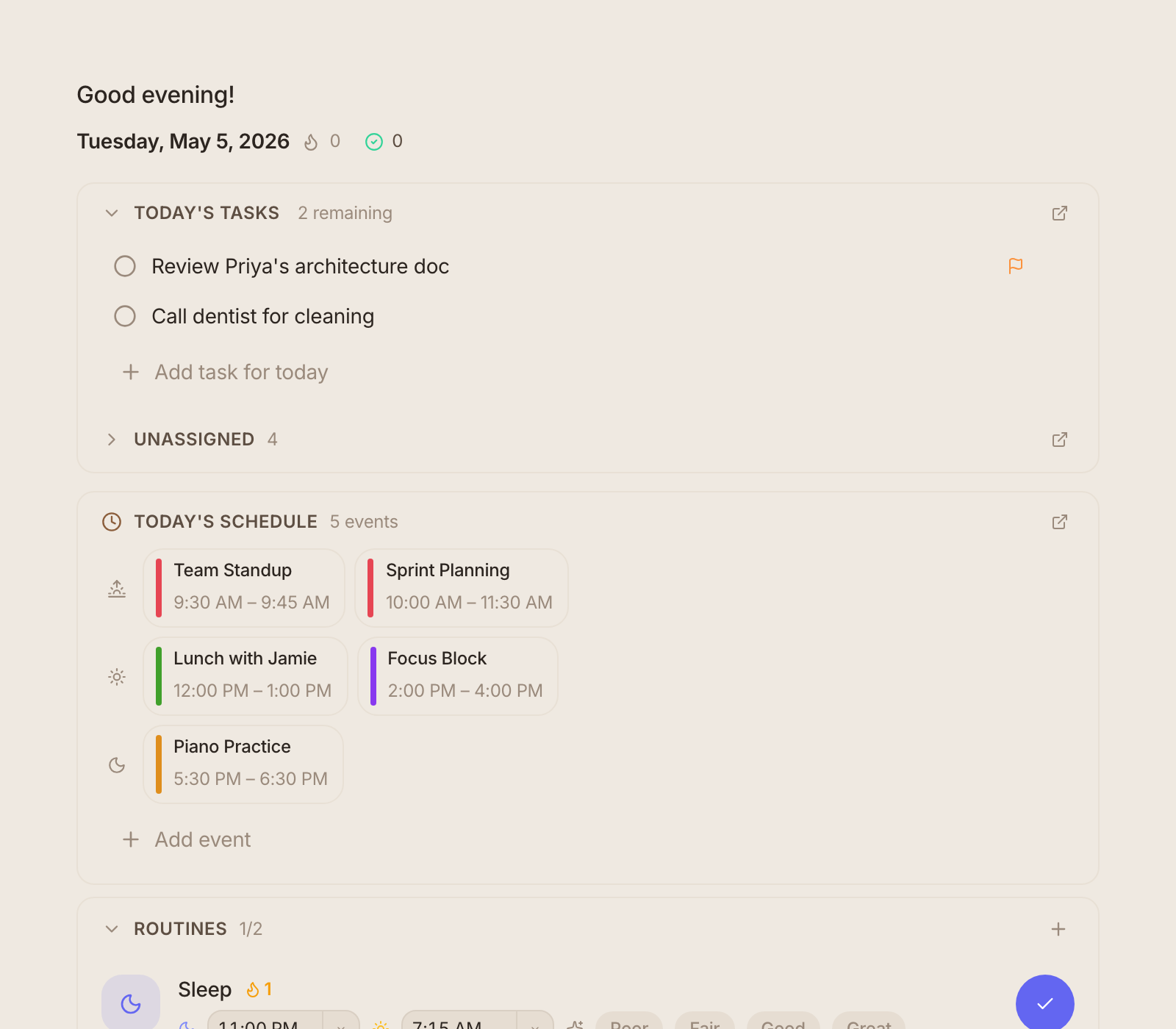
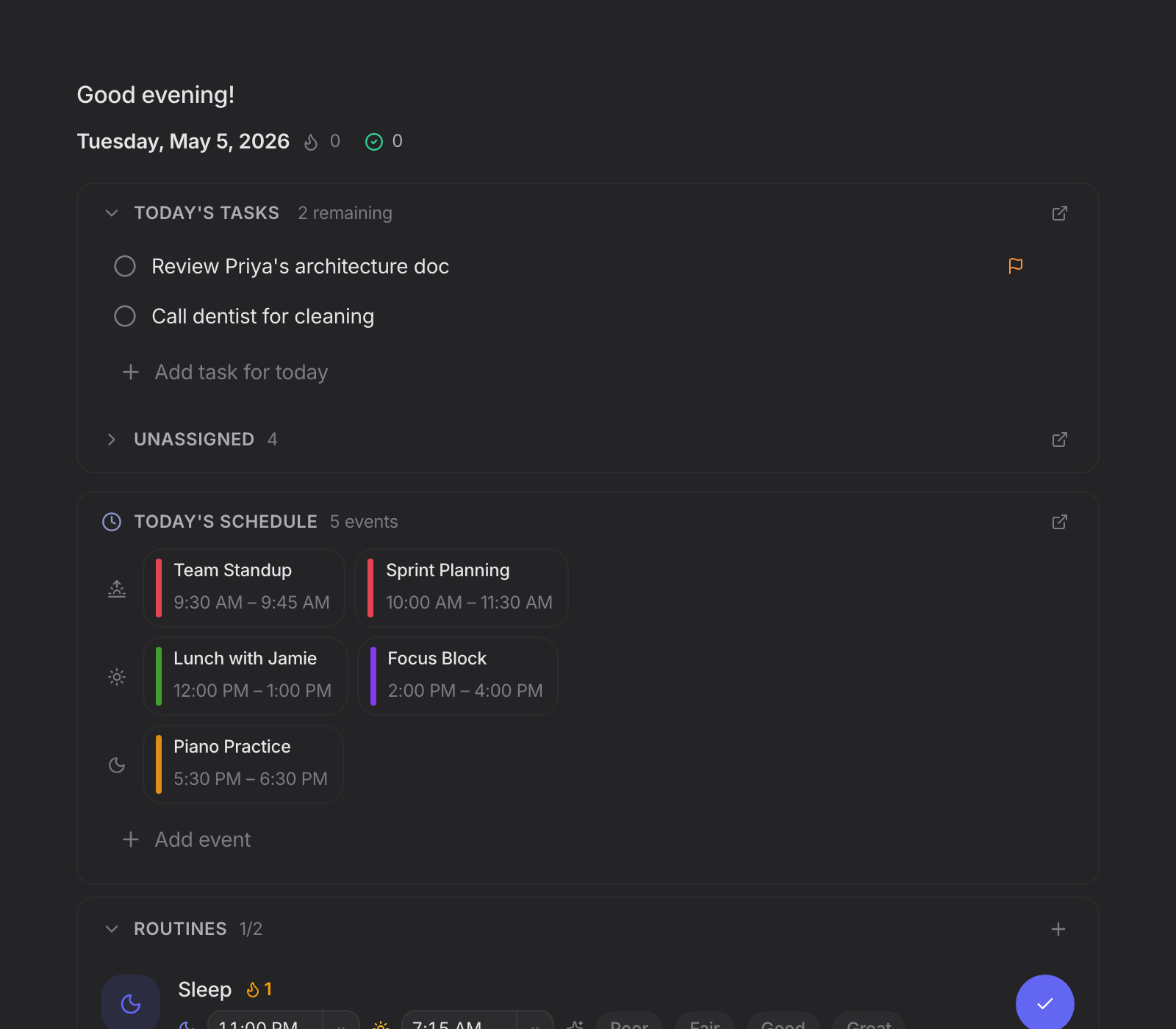
blackbear — daily journal with tasks, gratitude prompts, and focus intentions
$19.99
One-time. Forever yours.
Every device
Phone, tablet, laptop — one app.
100% local
No account. Works offline.

Everything you need. Nothing you don't.

Notes, daily journal, tasks, and calendar — together in one app that respects your time and your wallet.

A beautiful writing experience

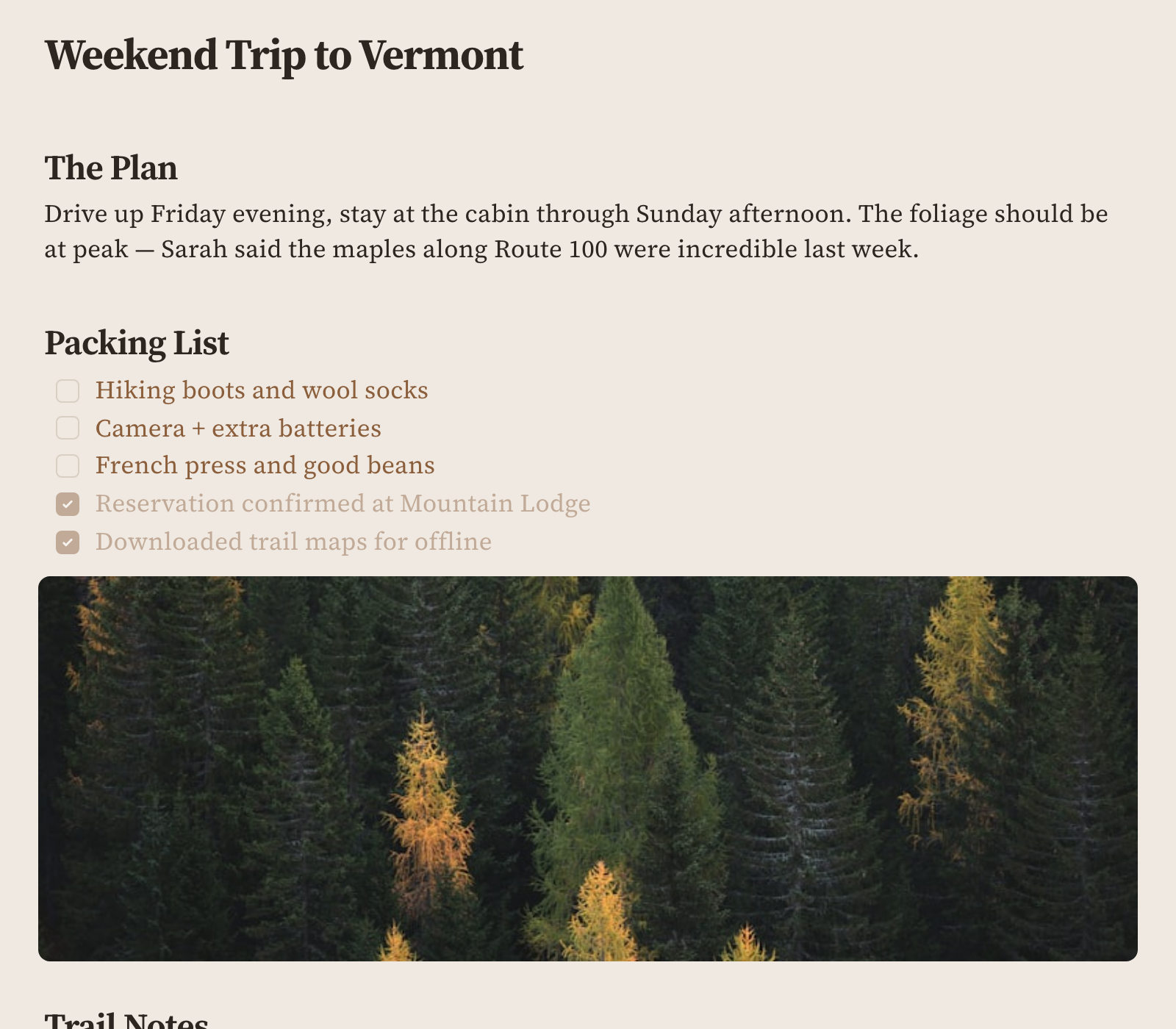
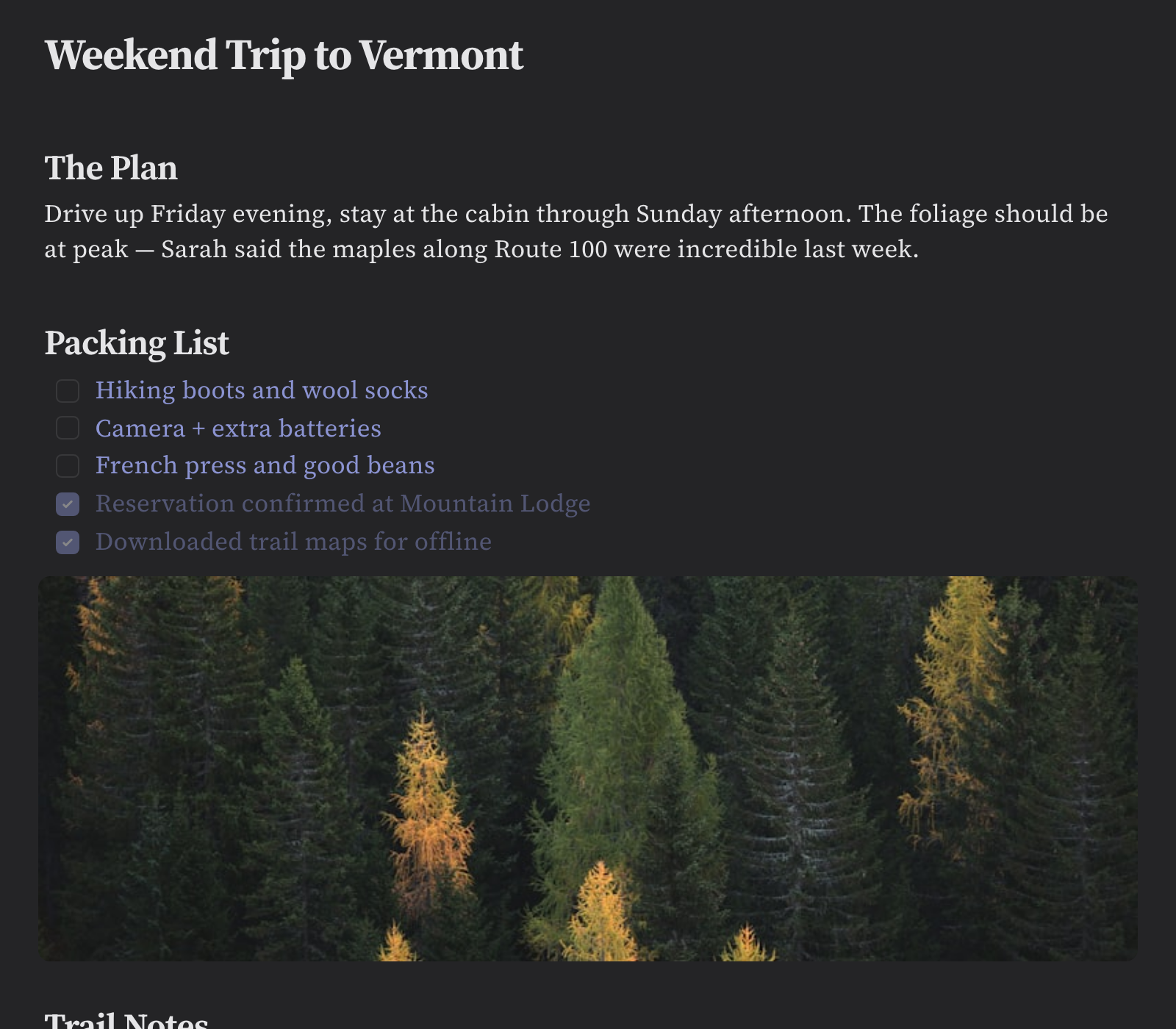
Rich markdown that renders as you type. Bold, italic, headings, code blocks, tables, images, checkboxes — all with live preview. No split panes, no raw markup. Just write.

  • Live markdown preview — headings, lists, tables, code
  • Wiki-style [[links]] between notes
  • Focus mode and typewriter scrolling
blackbear editor — bold, lists, checkboxes, live markdown
blackbear daily journal — stoic template with morning, afternoon, evening sections

Daily journal, built in

Start each day with a structured journal — gratitude prompts, focus intentions, evening reflections. Choose from templates or create your own. Your today view shows the journal alongside today's tasks.

  • 10+ journal templates — Stoic, gratitude, free-flow
  • Today's tasks integrated right in your daily view
  • Browse past entries by date — your life, searchable

Tasks and calendar, no extra app

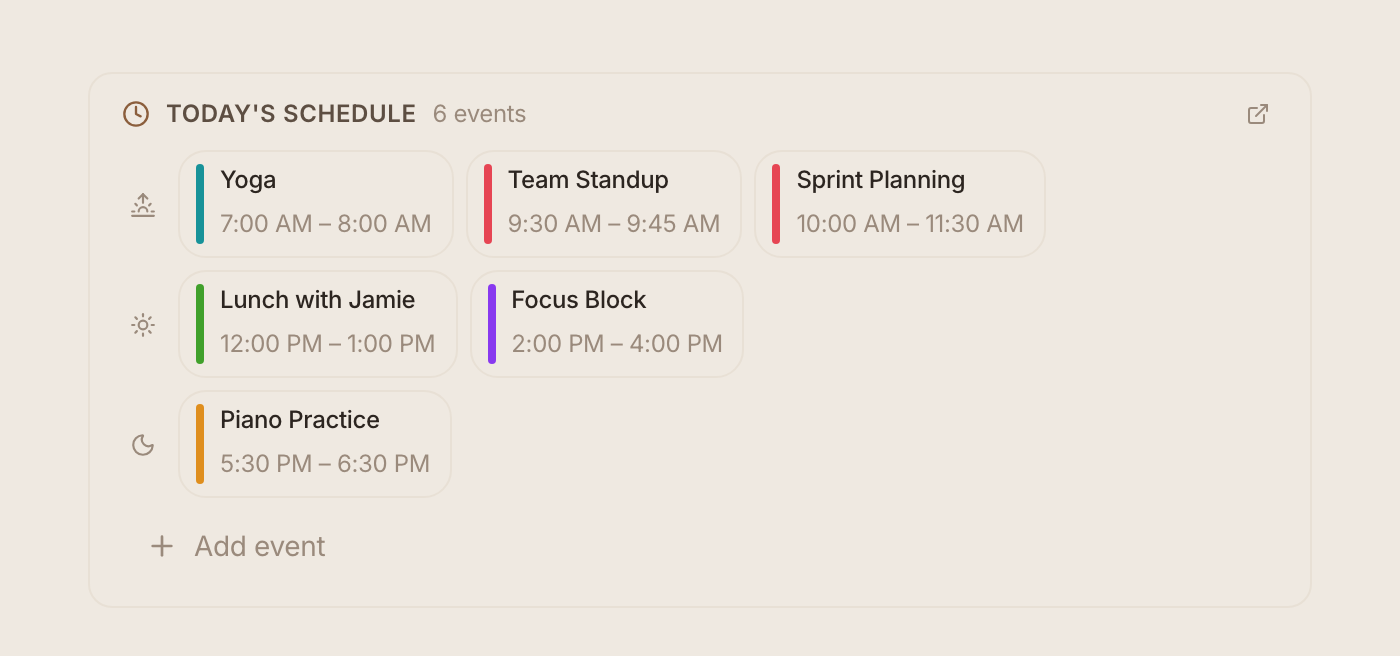
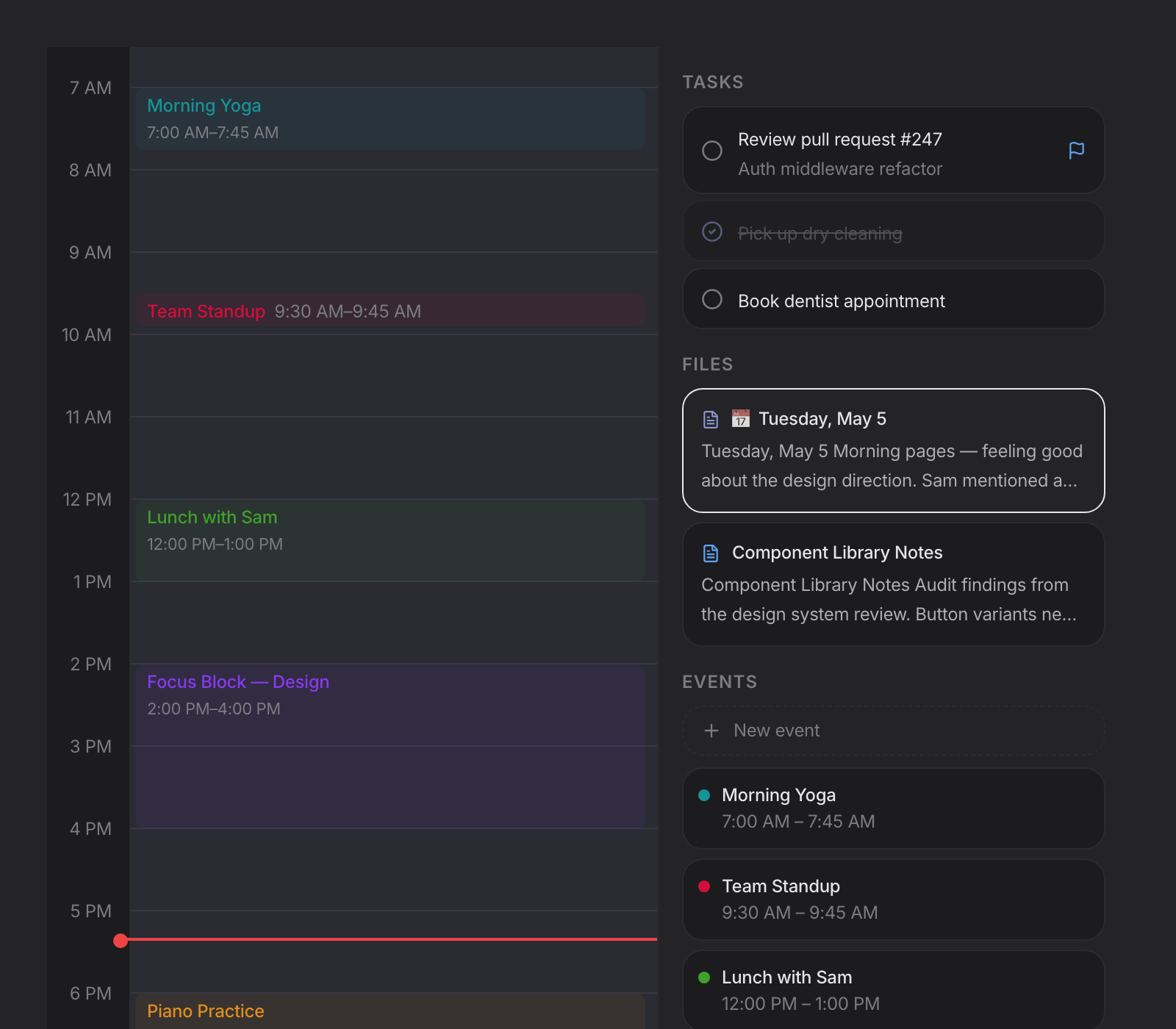
Priorities, due dates, tags, and a calendar that actually shows your life. Not a replacement for a full project manager — a replacement for the three sticky notes on your monitor.

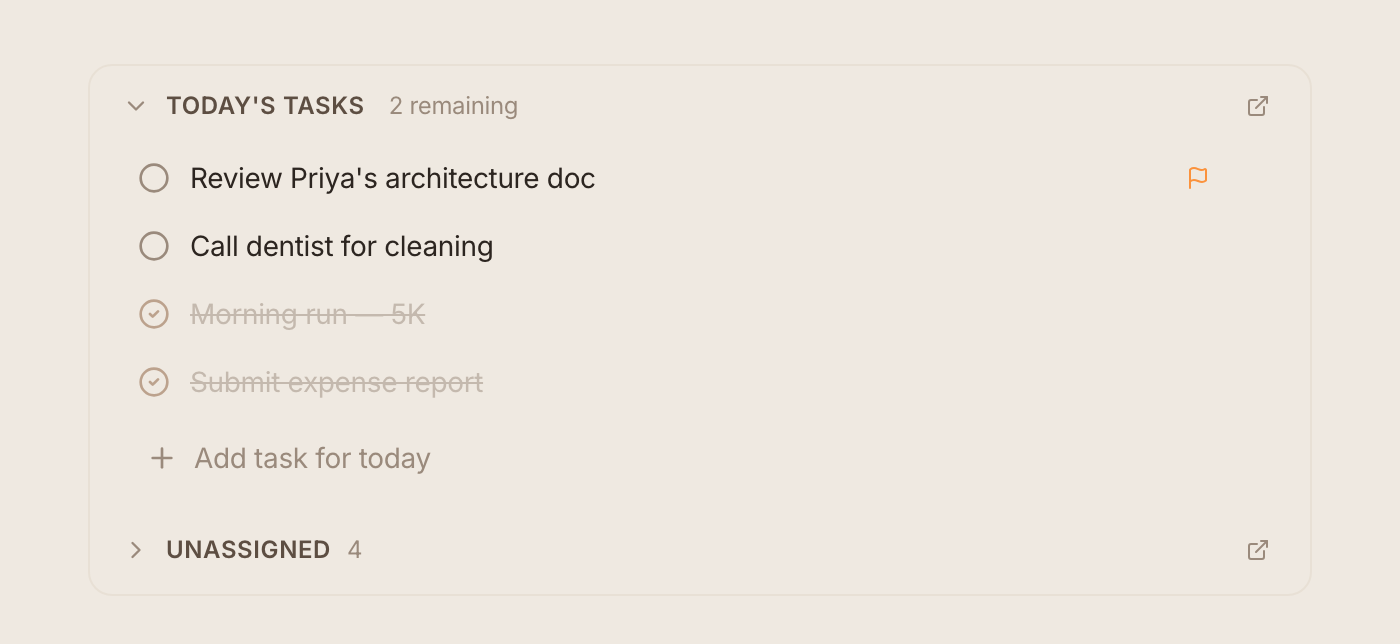
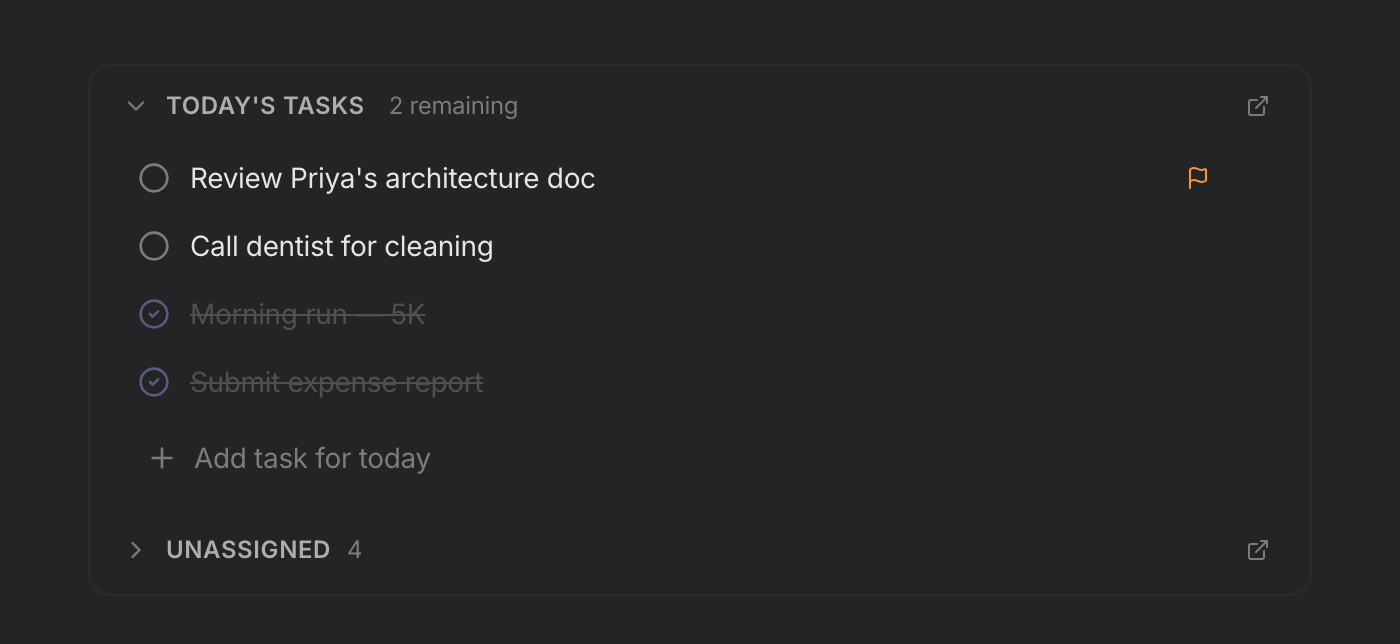
  • Priority levels, due dates, and color-coded tags
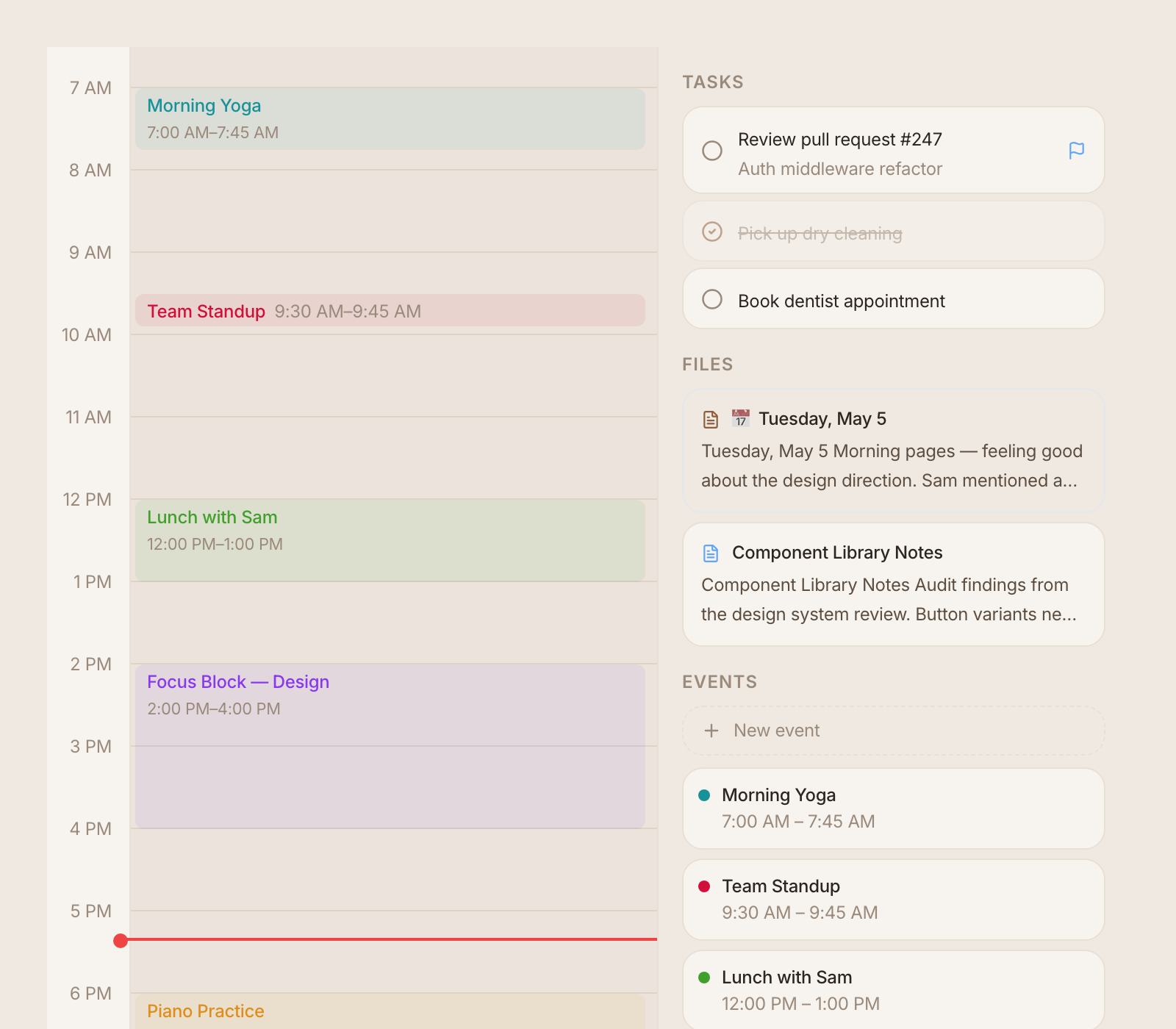
  • Month, week, and day calendar views with recurring events
  • Inline task checkboxes right in your notes
blackbear tasks with tags and priorities
blackbear note templates — meal planner, grocery list, brainstorm, 1-on-1, decision log

Templates for everything

Don't start from blank. Meal planners, grocery lists, meeting notes, brainstorms, decision logs, book notes — ready-made templates for how you actually use notes. Or create your own.

  • 15+ built-in templates — journal, planning, work, life
  • Create custom templates from any note
  • Smart date placeholders — templates that know today's date

Make it yours

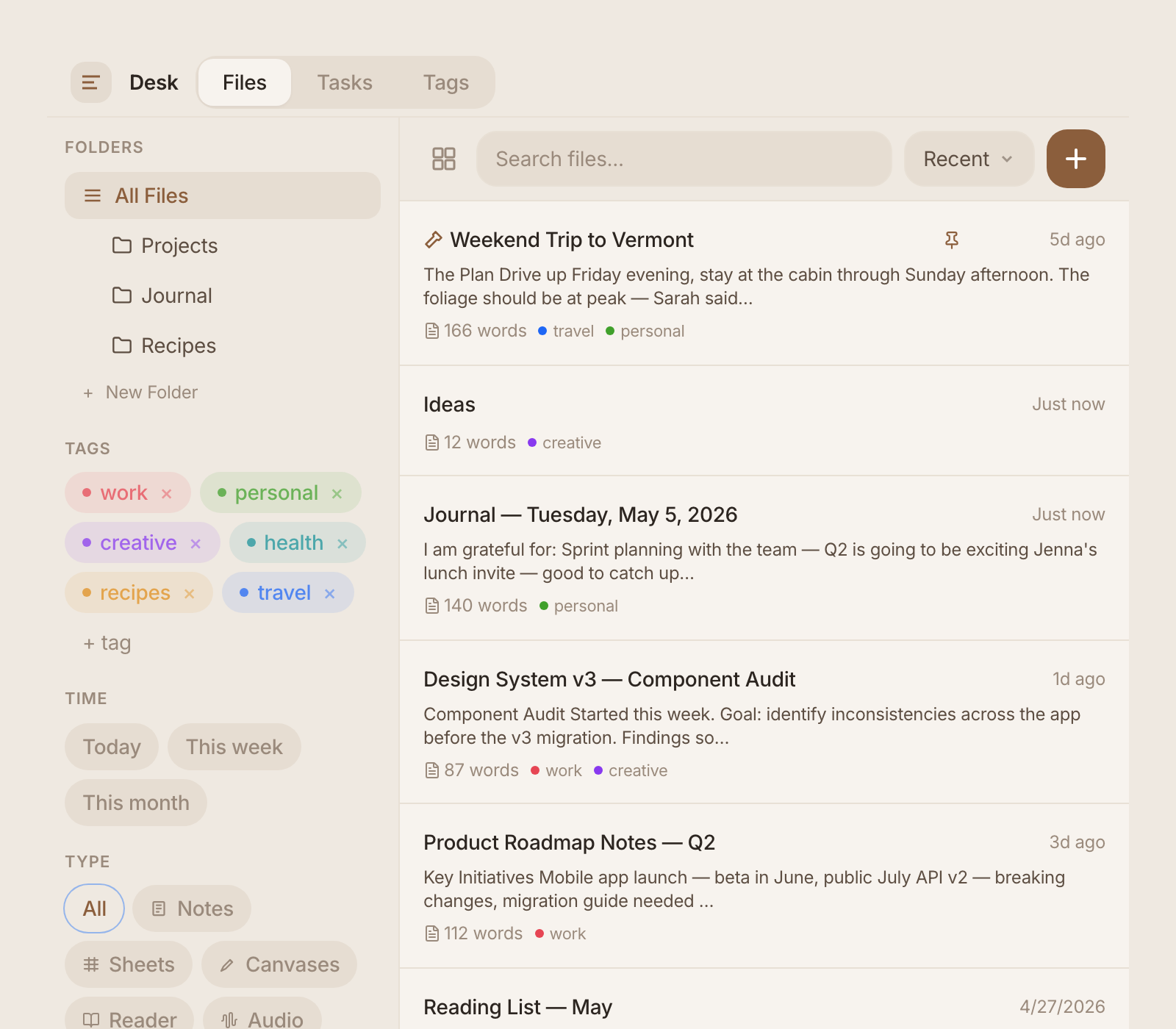
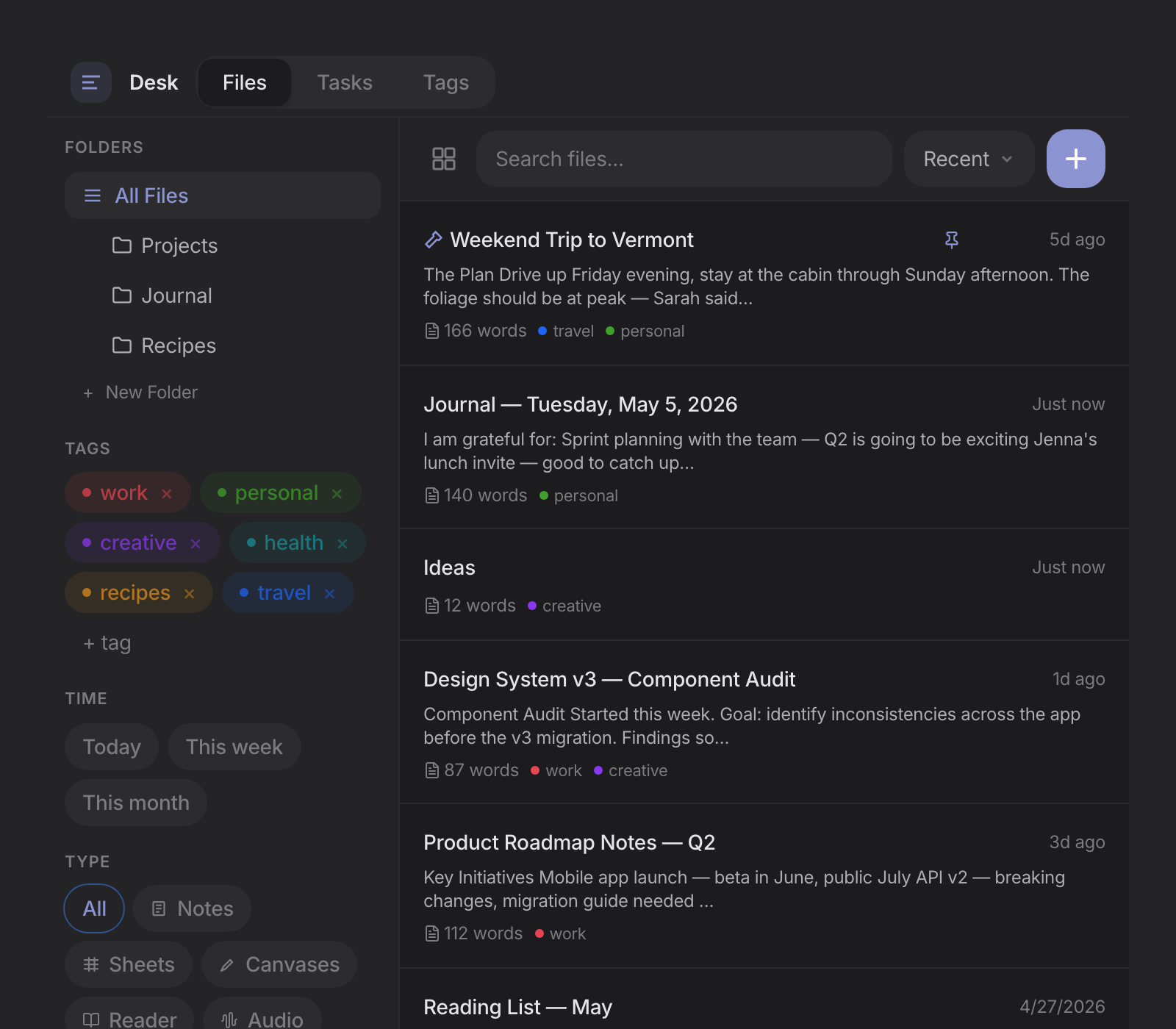
11 hand-crafted themes — Paper, Snow, Sage, Rosé, Charcoal, Midnight, Forest, and more. Light and dark modes that follow your system or your mood. Custom accent colors. Typography choices. Your app, your way.

  • 5 light + 6 dark themes, plus custom theme editor
  • Choose your editor font — serif, sans, or monospace
  • Import & export themes — share with the community
blackbear theme picker — 11 themes including dark mode
Bear
Obsidian
Notion
Apple Notes

Bring your notes with you

Import from Bear, Obsidian, Notion, or Apple Notes. Export anytime as standard Markdown files. Your notes are never locked in — they're plain text on your device, always yours.

  • One-click import from 4 popular apps
  • Export everything as .md files — no lock-in, ever
  • Full JSON backup and restore

Works on every device

Open blackbear in any browser. Install it on your phone, tablet, or desktop — it works and feels like a native app, because it is one.

blackbear on iPhone — daily journal view
blackbear on iPhone — tasks with tags and priorities
blackbear on iPhone — month calendar view
Phone & Tablet
Install from your browser. Full screen, home screen icon, works offline.
Desktop
Native apps for Mac, Windows, and Linux. Or use the web app.
Web
Open in any browser. Nothing to download — start writing in seconds.

And there's more

Command palette
Cmd+K to search notes, jump to pages, and run commands — keyboard-first navigation.
Focus timer
Built-in Pomodoro timer. Set it and write — no separate timer app needed.
Tags & organization
Color-coded tags for notes, tasks, and events. Filter and browse by any tag.
Streaks & karma
Daily writing streaks and karma points. A gentle nudge to keep the habit going.
Trash & recovery
Deleted something by mistake? Everything goes to trash first. Restore anytime.
Recurring events
Daily, weekly, monthly, yearly. Custom intervals and end dates. Never forget the repeating stuff.

Honest pricing

No subscription traps. No free tier with strings. One price, one app, yours forever.

blackbear
$19.99
One-time payment. No subscription.
Buy blackbear
  • Notes, journal, tasks, and calendar
  • All 11 themes + custom theme editor
  • Works on every device — phone, tablet, desktop, web
  • 100% local — works offline, no account
  • All future updates included
  • Import from Bear, Obsidian, Notion, Apple Notes
Cloud Sync — 3 months free

Sync your notes, journal, tasks, and calendar across all your devices — phone, tablet, and desktop stay in perfect sync. Included free for 3 months with your purchase, then just $0.99/month. Entirely optional — blackbear works fully offline without it. Self-host option also available.

What you'd pay elsewhere

Bear
$30/yr
Obsidian Sync
$48/yr
Notion
$96/yr
blackbear
$19.99 once

Your notes are yours

We don't read your notes. We can't — they never leave your device. No analytics in your writing. No AI training on your journal. No account required. blackbear works the moment you open it.

Local-first
Everything stored on your device. Sync is optional.
Export anytime
Standard Markdown files. No lock-in, ever.
Works offline
No internet? No problem. Full functionality, always.

Questions

What platforms does blackbear support? +

blackbear works on every device with a modern browser — iPhone, iPad, Android, Mac, Windows, Linux, and Chromebook. On mobile, it installs as a progressive web app (PWA) with a home screen icon, full-screen mode, and offline support. On desktop, native apps are available for Mac, Windows, and Linux. One purchase covers all platforms.

How does "pay once" work? What about updates? +

You pay $19.99 once and get blackbear forever — including all future updates. No subscription, no annual renewal. We sustain development through optional cloud sync and feature add-ons, not by charging you every year for the same app.

Can I sync between devices? +

Yes — cloud sync keeps your notes, journal, tasks, and calendar in sync across all your devices. Every purchase includes 3 months free, then it's just $0.99/month. It's entirely optional — blackbear works fully offline with local storage. You can also self-host your own sync server.

Can I import my notes from Bear, Obsidian, or Notion? +

Yes. blackbear imports from Bear, Obsidian, Notion, and Apple Notes. Your notes are standard Markdown files — you can export them anytime, no lock-in.

What's the difference between the web app and the desktop app? +

The web app and the desktop app share the same codebase and feature set. The desktop app is a native wrapper that provides system tray integration, faster startup, and native file access. The web app works instantly in any browser — no download needed. Both work offline and store everything locally.

Is there a free trial? +

Yes! Open my.blackbear.app and start using blackbear immediately — no account, no credit card. You can use the full app free to try it out. At $19.99 one-time, it's less than one month of most note-taking subscriptions. If you buy and aren't happy, email us within 30 days for a full refund.

Stop renting your writing tools

blackbear pays for itself in the first month compared to any subscription app. And then it's free. Forever.