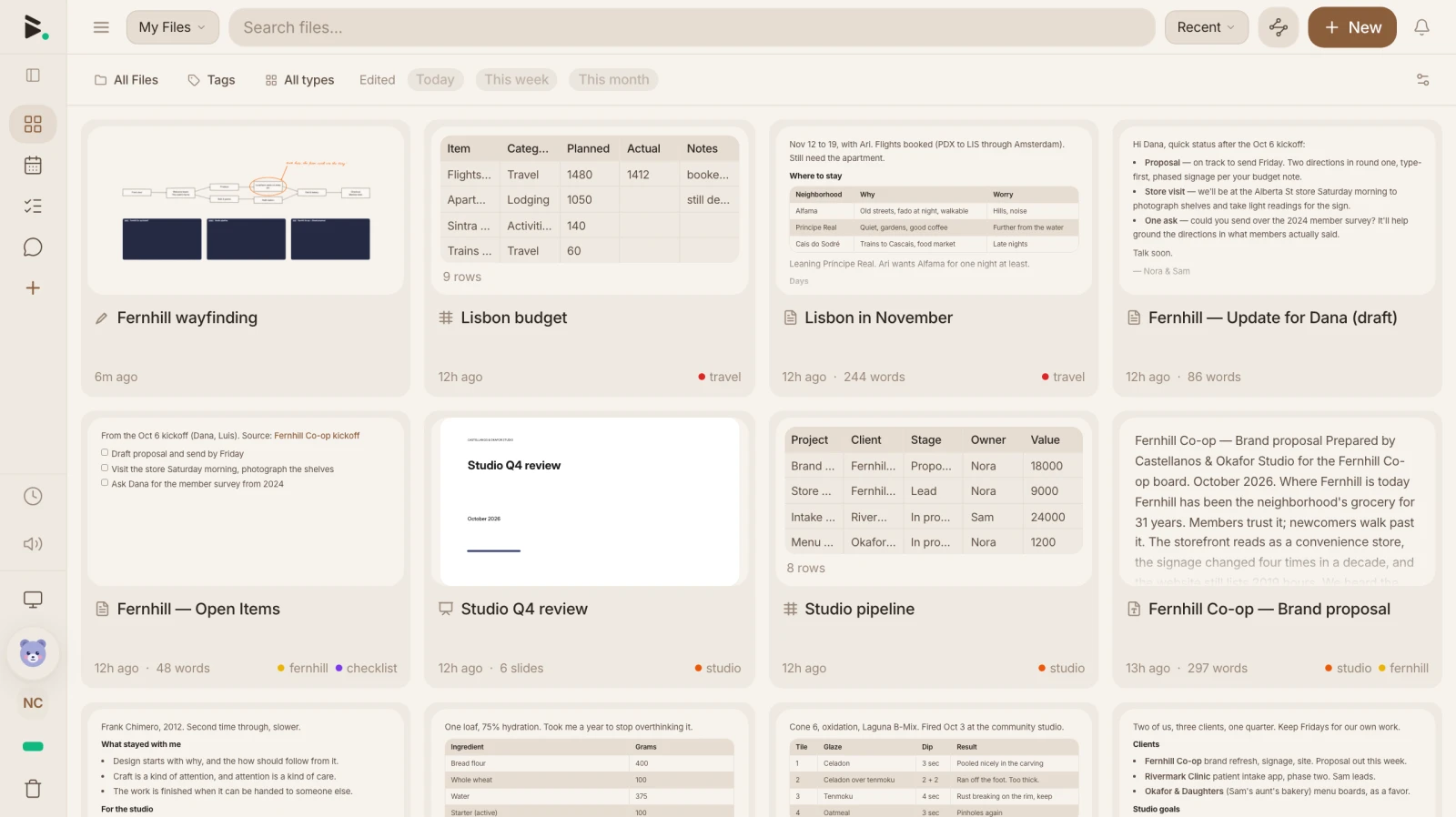
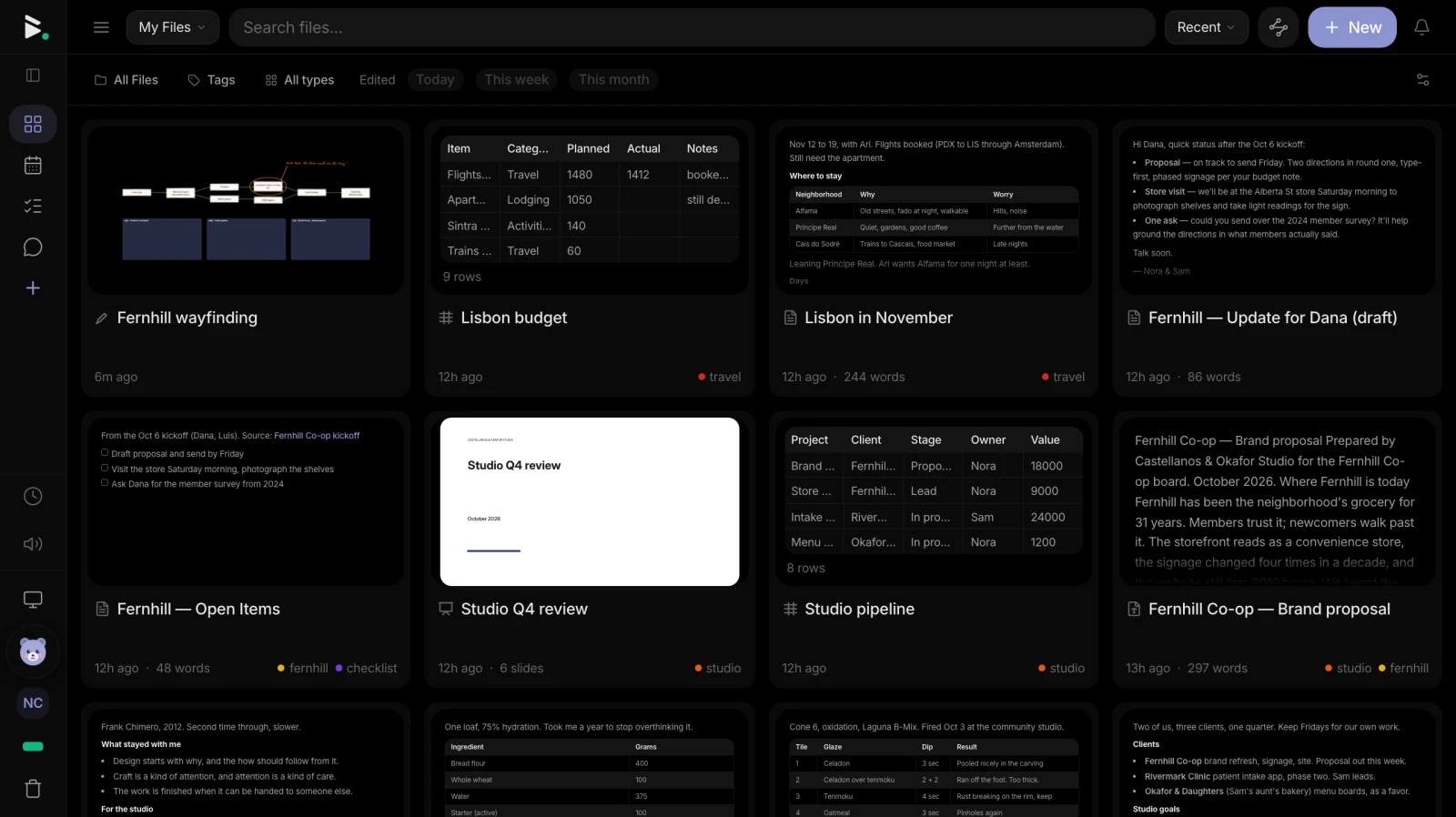
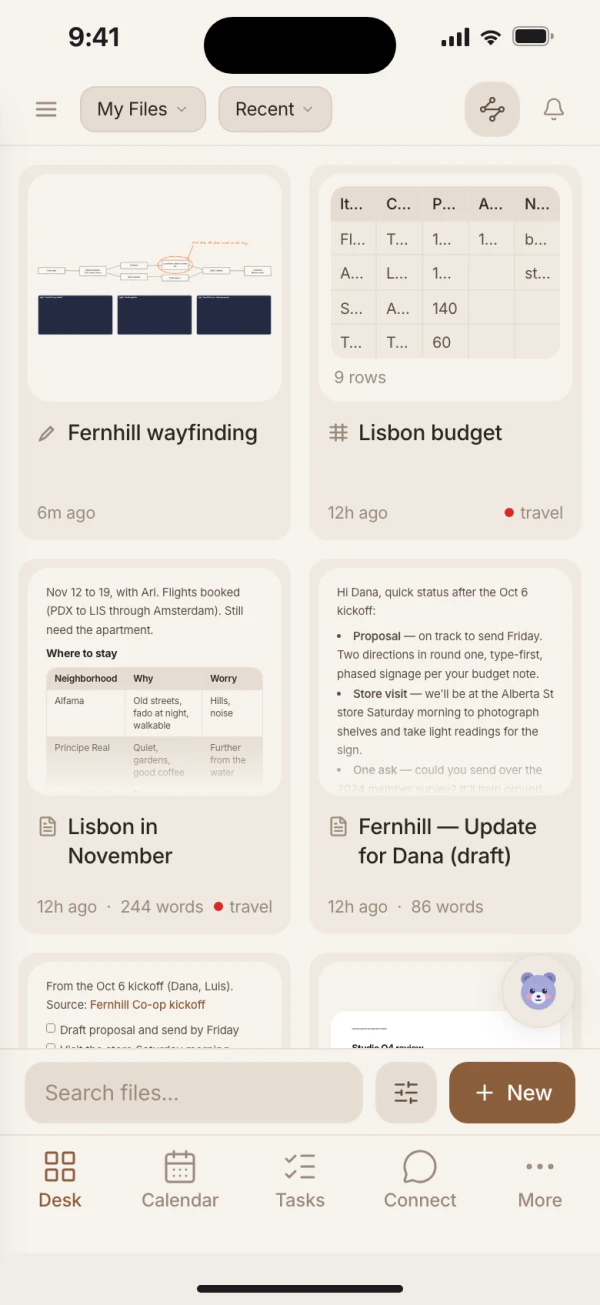
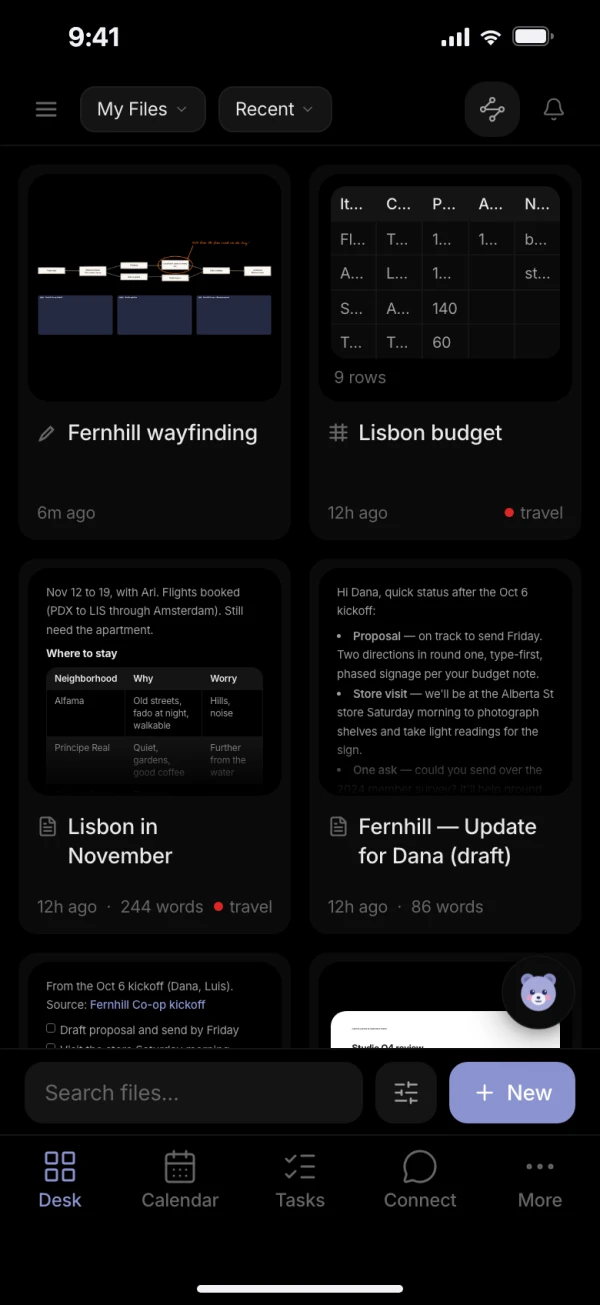
A private home for your
notes

Notes, journal, calendar, tasks, spreadsheets, messaging, and more — one app that replaces many, private by default.

Free license includes the full local app. No credit card required.

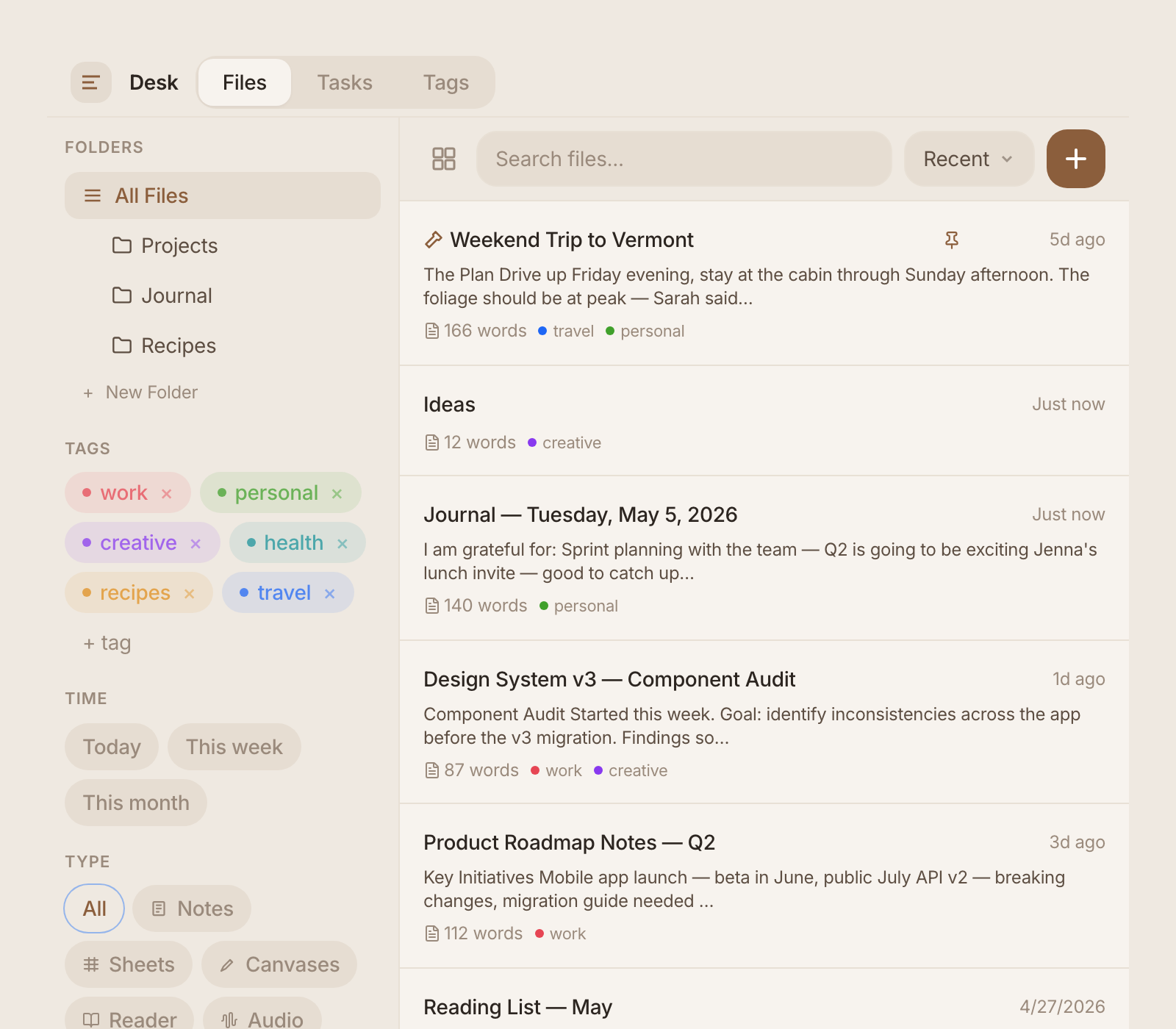
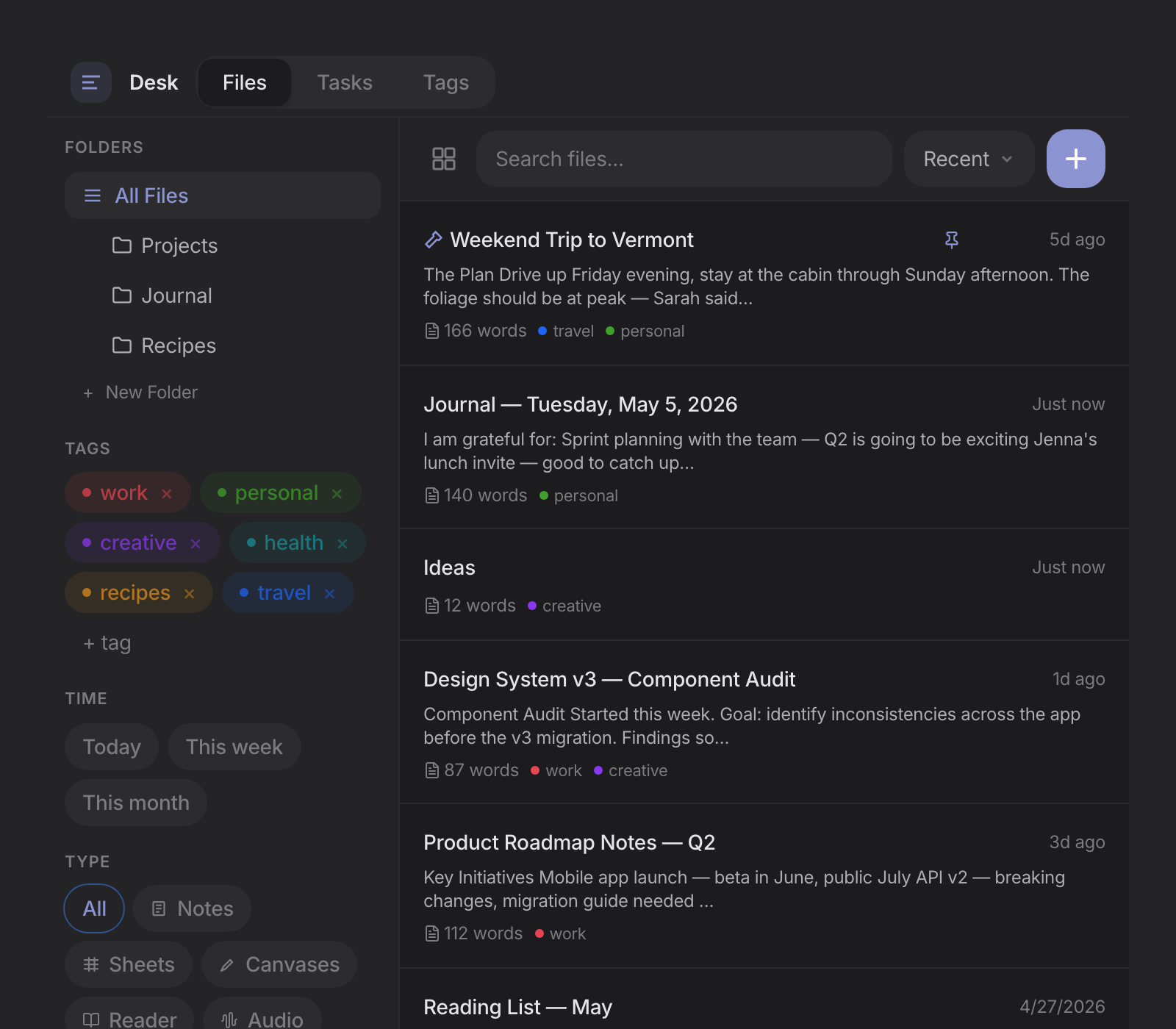
blackbear Today view — daily journal with tasks, calendar, and focus tools
Free

Full app on your device. Sign up for a free license to get started.

Private

Your data stays on your device. Cloud sync is end-to-end encrypted.

Complete

One app replaces many. New free features ship every week.

Everything you need, nothing you don't

No plugins, no extensions, no app-switching. Every feature works offline and syncs across devices when you're ready.

Write

A clean markdown editor with formatting toolbar, tables, wiki-links, and live preview. Smart typography that makes your writing look polished without fussing over details.

  • Rich markdown with tables, code blocks, and math
  • Wiki-links connect your notes into a knowledge graph
  • Templates for meeting notes, projects, and more
  • Spellcheck, autocorrect, and smart punctuation
Learn more about notes →
blackbear markdown editor
blackbear daily journal

Journal

Daily journaling with gratitude prompts, reflections, and focus intentions. Build a searchable personal history, one day at a time.

  • 10+ journal templates — gratitude, goals, free-form
  • Streak tracking and writing stats
  • Every entry is a full markdown document
Learn more about journaling →

Plan

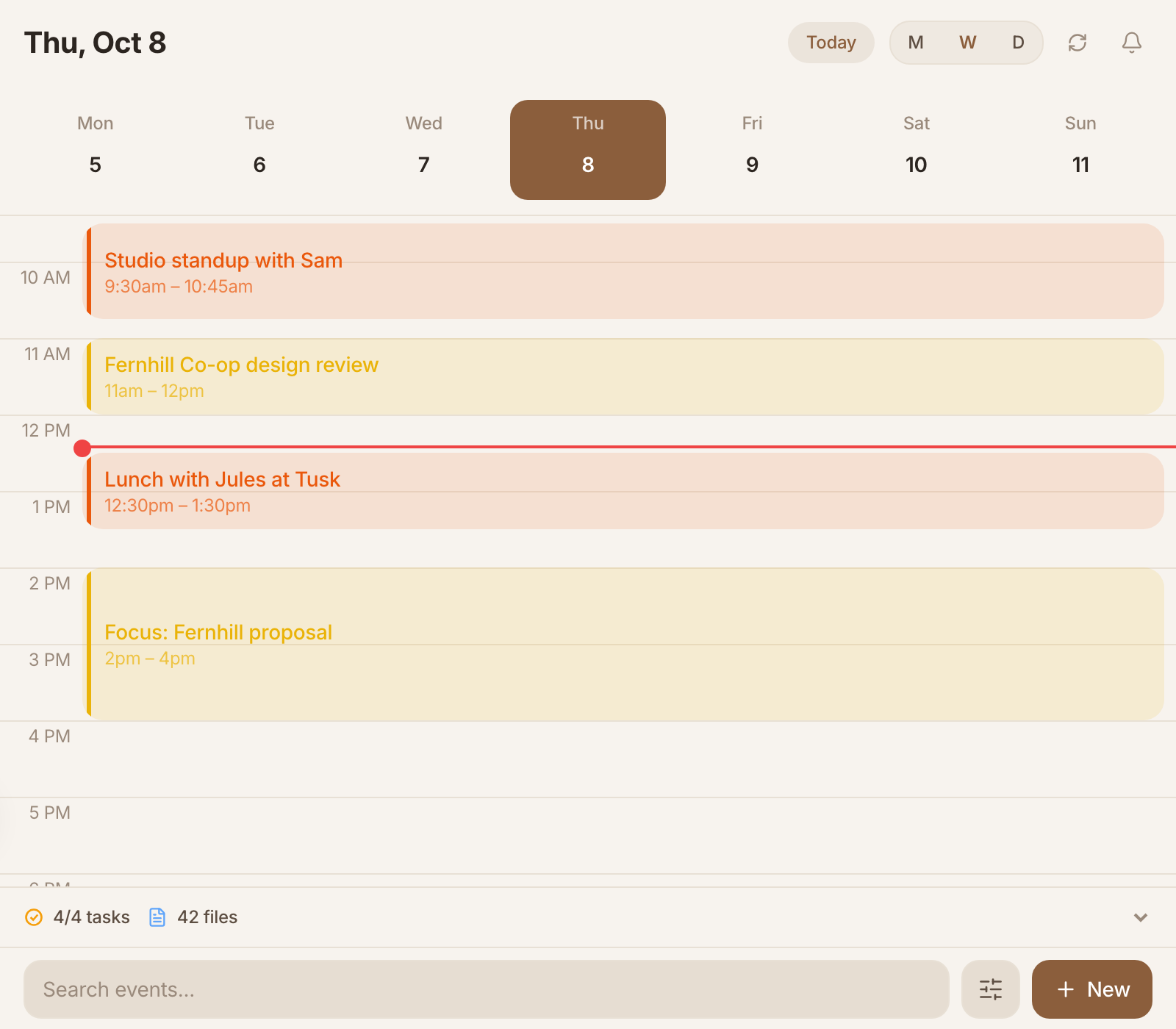
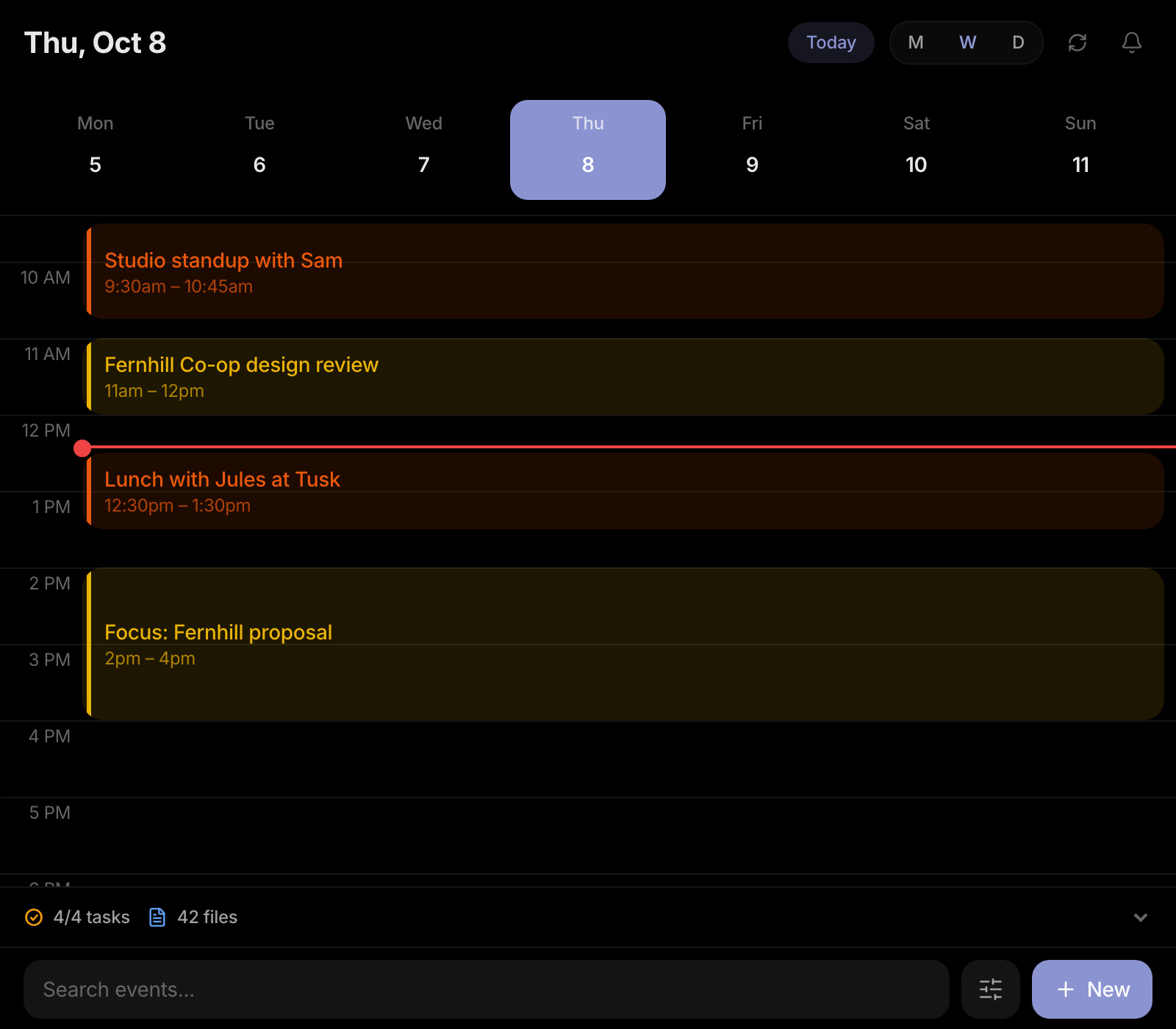
Full calendar with drag-to-reschedule, recurring events, and Google Calendar sync. Built-in tasks with due dates, priorities, and tags.

  • Day, week, and month calendar views
  • Recurring events, reminders, Google Calendar sync
  • Tasks with due dates, priorities, and folders
Learn more about planning →
blackbear calendar
blackbear spreadsheet — project tracker with status, priority, and assignee columns

Spreadsheets

Powerful spreadsheet engine with formulas, column types, charts, and kanban views. Track budgets, inventories, or projects — all in the same app.

  • Formulas, fill handle, and auto-complete
  • Column types: text, number, date, checkbox, select
  • Chart views and kanban boards
Learn more about spreadsheets →

Connect

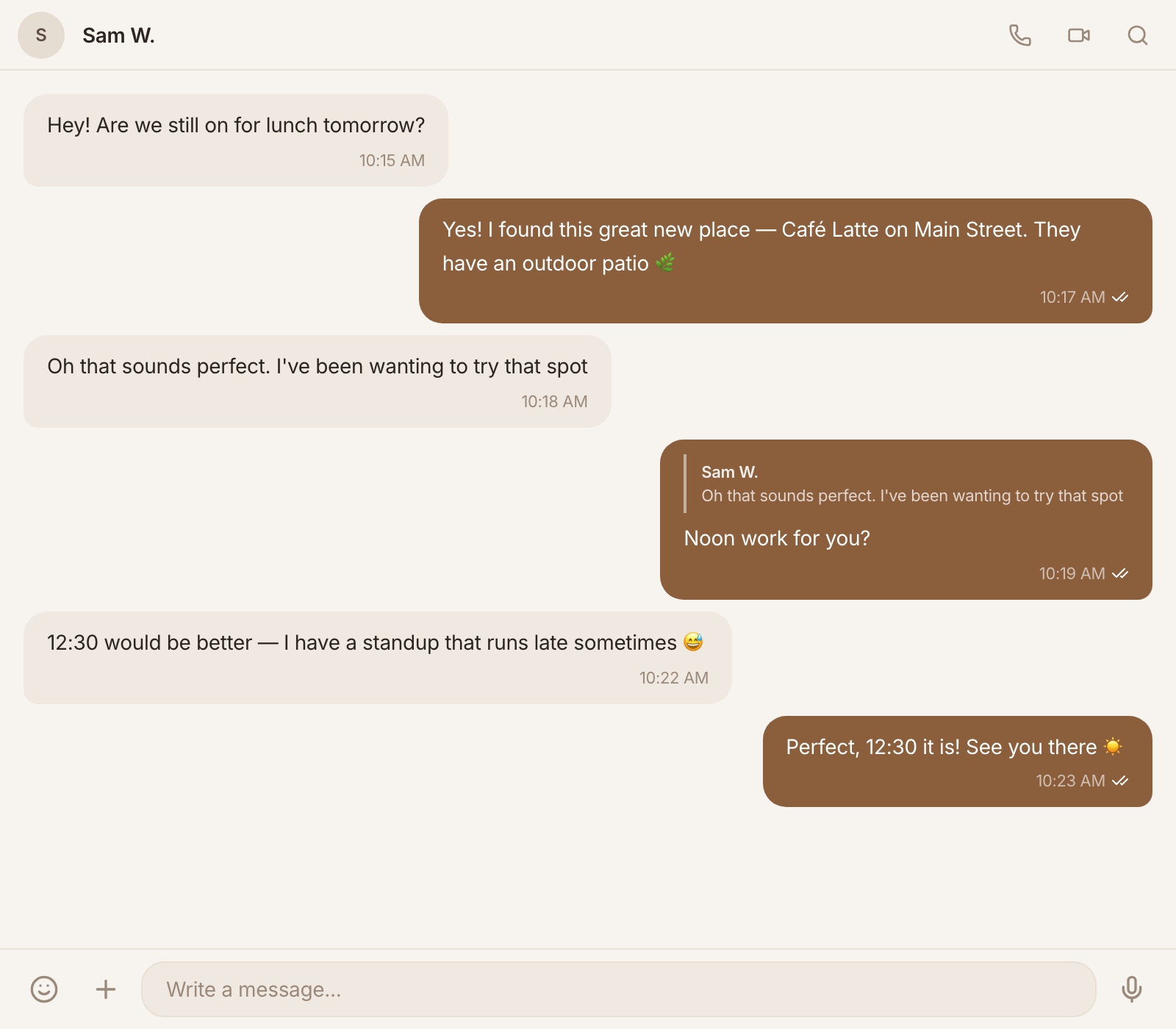
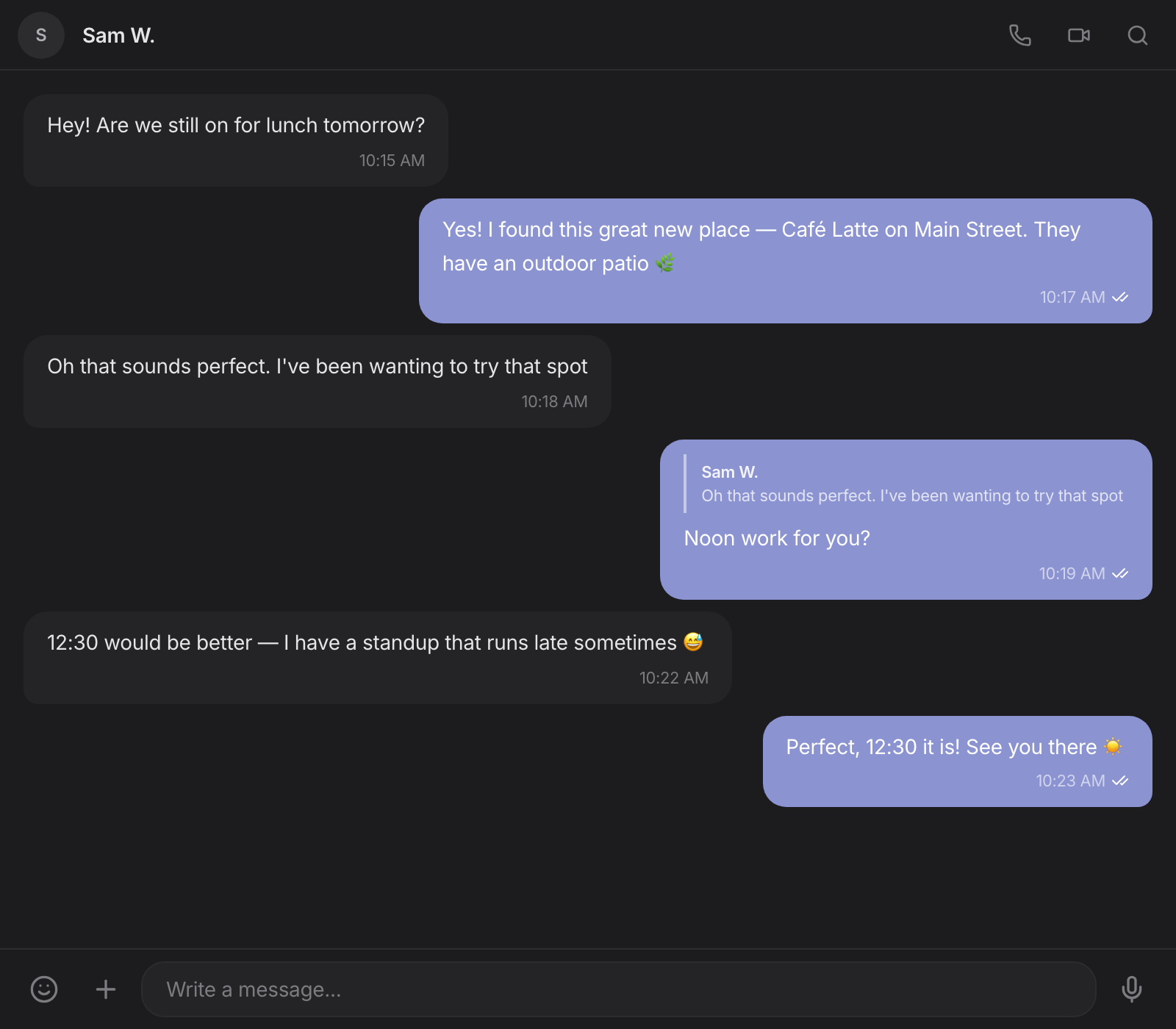
End-to-end encrypted messaging with voice and video calls. No phone number required — pair with a QR code. Your conversations are truly private.

  • Direct and group messaging, fully E2EE
  • Voice and video calls with encryption
  • QR code pairing — no phone number needed
Learn more about messaging →
blackbear encrypted messaging — conversation with voice and video call buttons
blackbear drawing canvas — wireframe mockup with annotations and brush tools

Draw

Freehand canvas with artboards, pen presets, and export. Sketch ideas, annotate, or create visual notes.

  • Pressure-sensitive freehand drawing
  • Multiple artboards per canvas
  • Brush presets and color picker
Learn more about drawing →

And there's more

Sounds

Ambient soundscapes — rain, forest, cafe, ocean — paired with a focus timer to help you settle into deep work.

Discover Tab

A curated daily digest from sources you choose. Stay informed and inspired without doomscrolling.

Pax AI

An AI assistant that understands your notes, tasks, and calendar. Ask questions, create content, and stay organized.

Today View

Your daily home screen — tasks due, calendar events, journal entry, and recently edited files at a glance.

Templates

50+ ready-made templates for notes, tasks, and workflows. Or build your own and reuse them.

Themes

Light, dark, and OLED black. Typewriter mode, focus mode, and customizable fonts to make it yours.

Works on every device

Open blackbear in your browser, install it on your phone, tablet, or desktop — it works and feels like a native app, because it is one.

Browser

Works instantly at my.blackbear.app. Chrome, Safari, Firefox, Edge.

Desktop

Native macOS and Windows apps with system tray and local file access.

Mobile

Install as a PWA — works offline, launches from your home screen.

Go further with cloud

blackbear works fully on your device with a free license. When you want to sync across devices, message friends, or collaborate in real time — cloud connects everything.

blackbear

Free license

$0

forever

  • Notes, journal, markdown editor
  • Calendar, tasks, reminders
  • Spreadsheets with formulas
  • Drawing canvas
  • Sounds and focus timer
  • Pax AI assistant
  • Templates, themes, import/export
  • Works completely offline
Get started free
POPULAR

cloud

Sync, connect, collaborate

$2 /month

or $19/year save 20%

  • Everything in free
  • + E2EE sync across 10 devices
  • + Encrypted messaging and groups
  • + Voice and video calls
  • + Real-time collaboration
  • + 5 GB sync + 5 GB media storage
  • + Discovery daily digest
  • + Google Calendar sync
  • + Push notifications
Get cloud

cloud pro

More storage, higher limits

$5 /month

or $48/year save 20%

  • Everything in cloud
  • + 50 GB sync + 50 GB media storage
  • + Up to 25 devices
  • + 25 MB file uploads
  • + 500 uploads per day
  • + 500 collab groups
  • + Unlimited docs per group
  • + Priority support
Get cloud pro

All plans include a 30-day money-back guarantee. Cancel anytime.

Your data is yours

We don't read your data. We can't — it's encrypted before it leaves your device. No analytics on your usage. No AI training on your content. No ads. Ever.

End-to-End Encrypted

Cloud data encrypted with keys only you control.

Local-First

Everything works offline. Cloud is optional.

Export Anytime

Standard Markdown. No lock-in. Your data, your way.

Recovery Phrase

BIP-39 words restore your data on any device.

Questions

What platforms does blackbear support? +

blackbear works in any modern browser at my.blackbear.app. Install as a PWA on Android, iOS, iPadOS, ChromeOS, and Linux. Native desktop apps available for macOS and Windows.

What does the free license include? +

The free license gives you the full local app — notes, journal, calendar, tasks, spreadsheets, drawing, sounds, Pax AI, templates, and themes. Everything runs on your device with no limitations. Sign up with your email to activate. Cloud features like sync, messaging, video calls, and collaboration start at $2/month.

How does end-to-end encryption work? +

When you enable cloud sync, blackbear generates encryption keys on your device. All data is encrypted locally before being sent to our servers. We store only encrypted blobs — we cannot read your data. A BIP-39 recovery phrase lets you restore access on a new device.

Can I import from other apps? +

Yes. blackbear imports from Bear, Obsidian, Notion, Apple Notes, and any Markdown files. Export everything anytime — no lock-in.

What happens if blackbear shuts down? +

Your data is on your device in standard formats. blackbear works completely offline — even if our servers disappeared, your app and data keep working.

How is this different from Notion, Obsidian, or Apple Notes? +

blackbear is private-first, local-first, and all-in-one. Unlike Notion, your data is end-to-end encrypted and you don't need an internet connection. Unlike Obsidian, blackbear includes a calendar, tasks, messaging, video calls, and spreadsheets without plugins. Unlike Apple Notes, blackbear works on every platform with a full productivity suite. And the core app is completely free.

Your private home
for everything

Notes, journal, calendar, tasks, messaging, and more.
Free. Private. Yours.

Get started — it's free

Share blackbear