notes

A notes app that respects your privacy

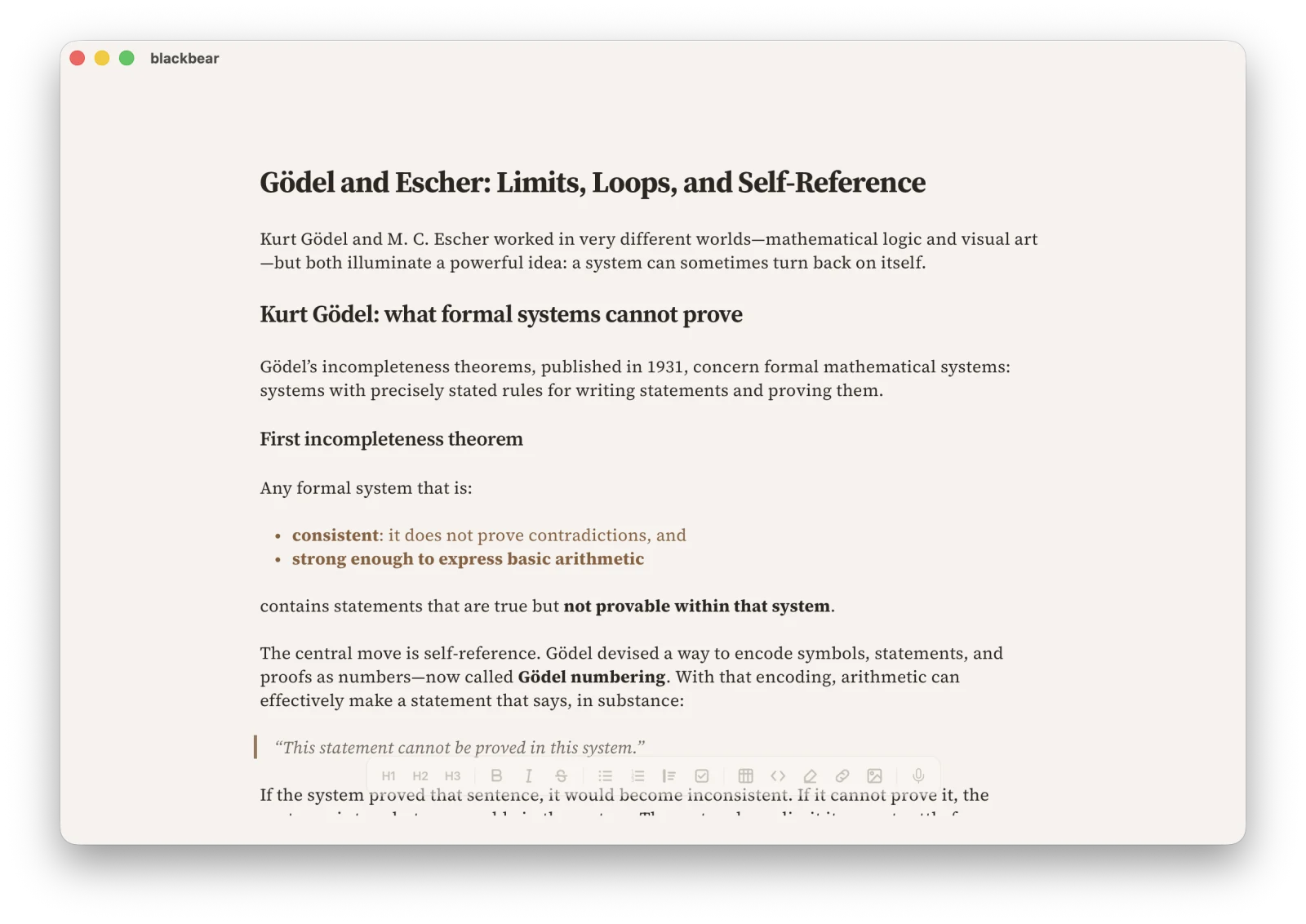
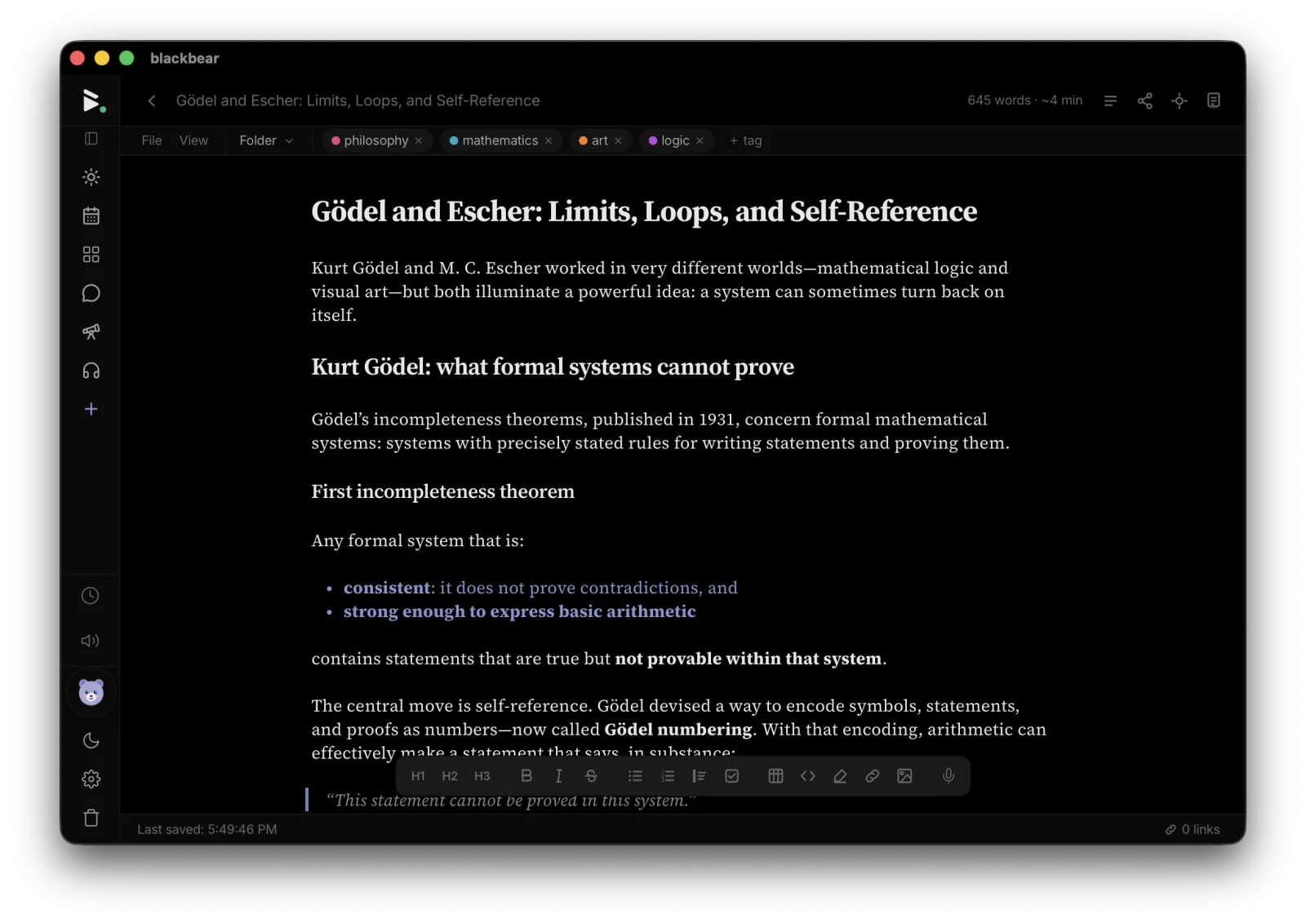
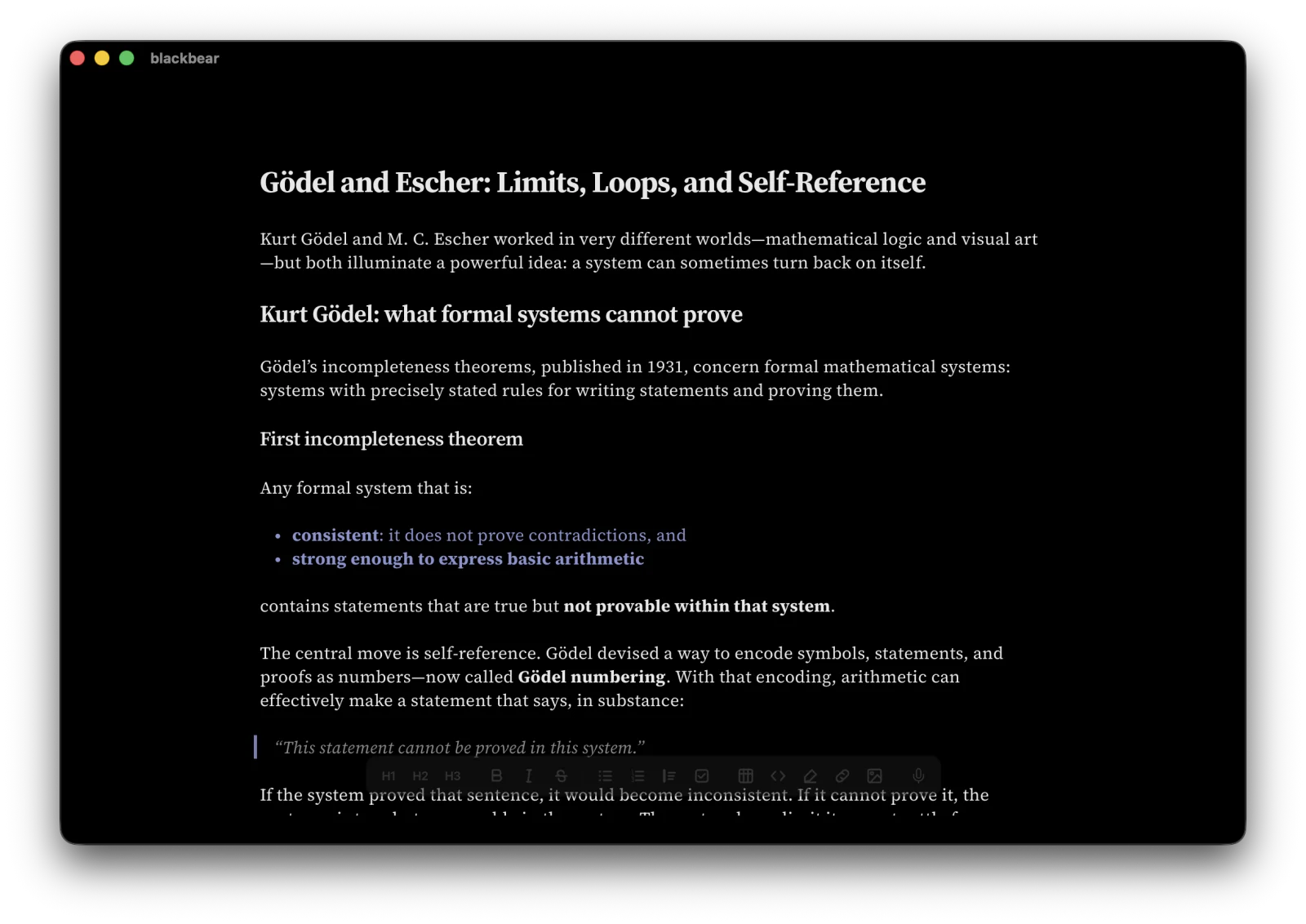
Rich markdown editing with formatting toolbar, tables, wiki-links, and smart typography. Your notes stay on your device — no cloud required.

Free license includes the full local app. No credit card required.
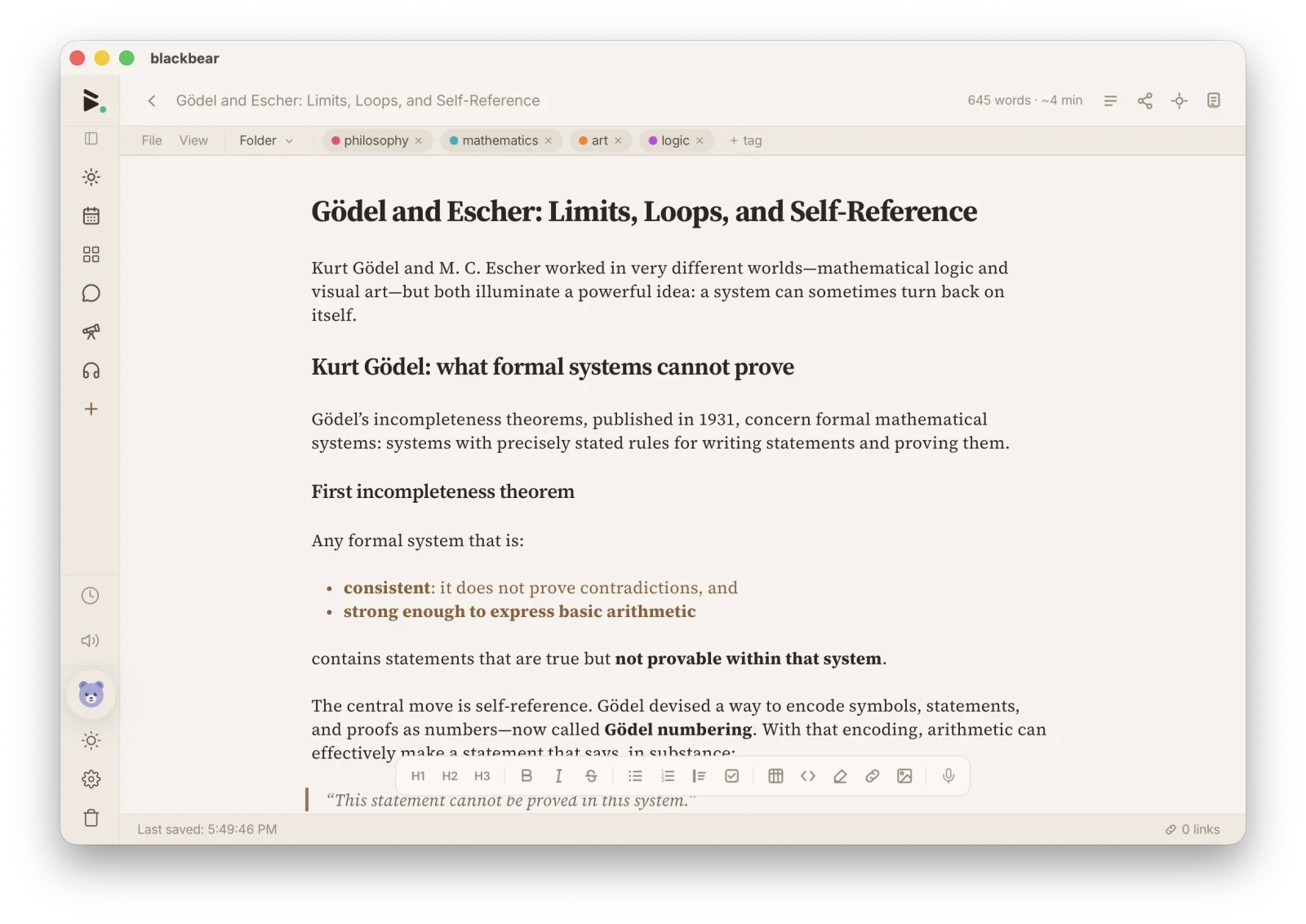
blackbear markdown editor with formatting toolbar

What you can do

Rich markdown editor

Formatting toolbar, tables, code blocks, math, and live preview. Write in markdown without memorizing syntax.

Wiki-links

Connect your notes with [[wiki-links]]. Build a personal knowledge graph that grows with your thinking.

Templates

50+ templates for meeting notes, project docs, recipes, and more. Or create your own and reuse them.

Smart typography

Automatic smart quotes, em dashes, and ellipses. Spellcheck and autocorrect built in.

Folders and tags

Organize notes your way — nested folders, tags, or both. Full-text search finds anything instantly.

Import and export

Import from Bear, Obsidian, Notion, and Apple Notes. Export as standard Markdown anytime — no lock-in.

How blackbear compares

vs Notion

blackbear is private by default — your notes are end-to-end encrypted and never stored on our servers unencrypted. No account required to start.

vs Obsidian

blackbear includes calendar, tasks, messaging, spreadsheets, and more — no plugins needed. And the core app is free.

vs Apple Notes

blackbear works on every platform, supports rich markdown, and offers end-to-end encrypted sync across devices.

Try blackbear free

Rich markdown editing with formatting toolbar, tables, wiki-links, and smart typography. Free. Private. Yours.

Get started — it's free

Explore more of blackbear