spreadsheets

Spreadsheets that stay on your device

A powerful spreadsheet engine with formulas, column types, charts, and kanban views — all inside your private productivity app.

Free license includes the full local app. No credit card required.
blackbear spreadsheet — project tracker with status, priority, and assignee columns

What you can do

Formulas

SUM, AVERAGE, IF, and more. Write formulas that reference other cells with auto-complete.

Column types

Text, number, date, checkbox, and select columns. Structure your data without fighting the spreadsheet.

Charts

Visualize your data with built-in chart views. Bar, line, and pie charts from your spreadsheet data.

Kanban view

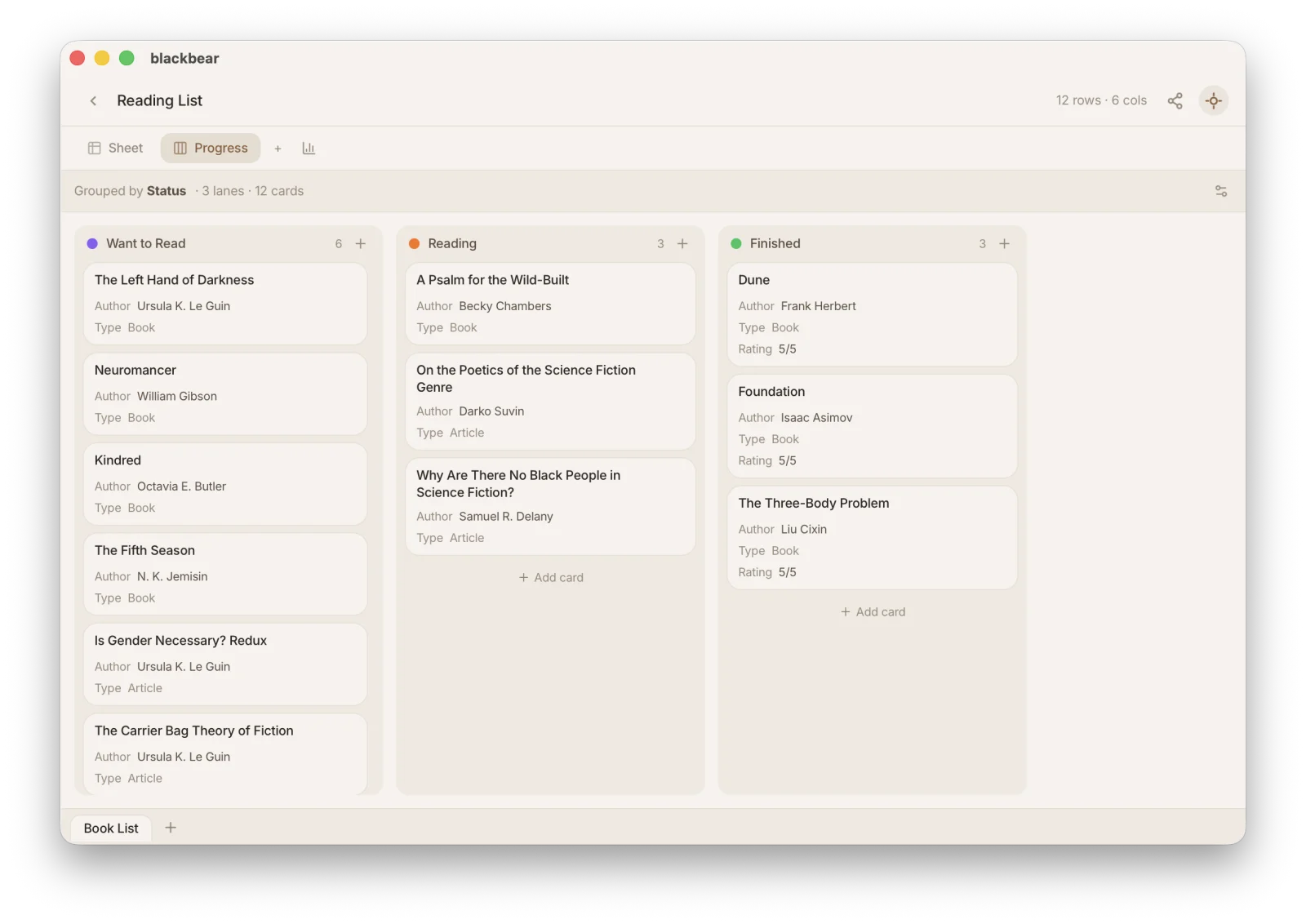
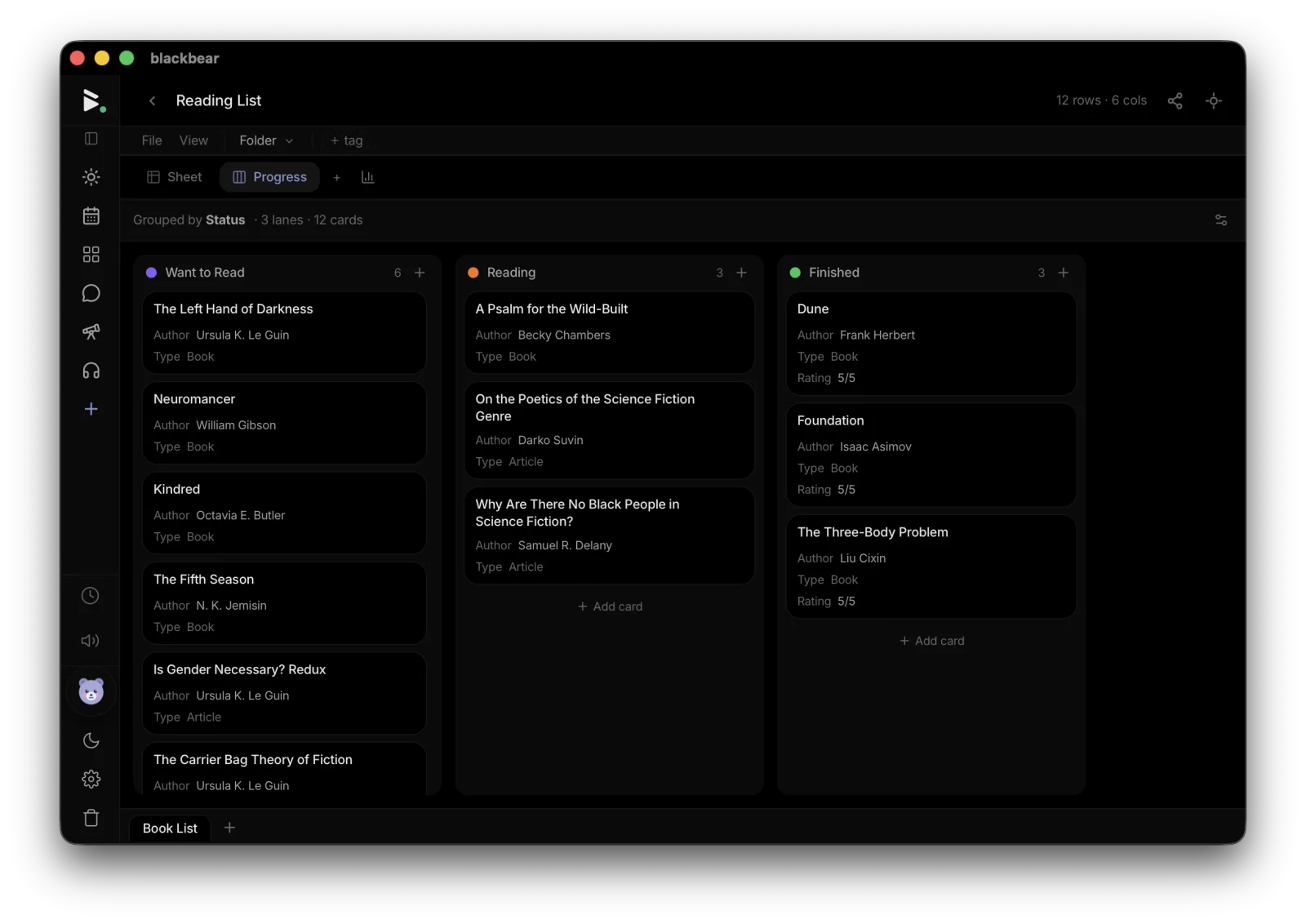
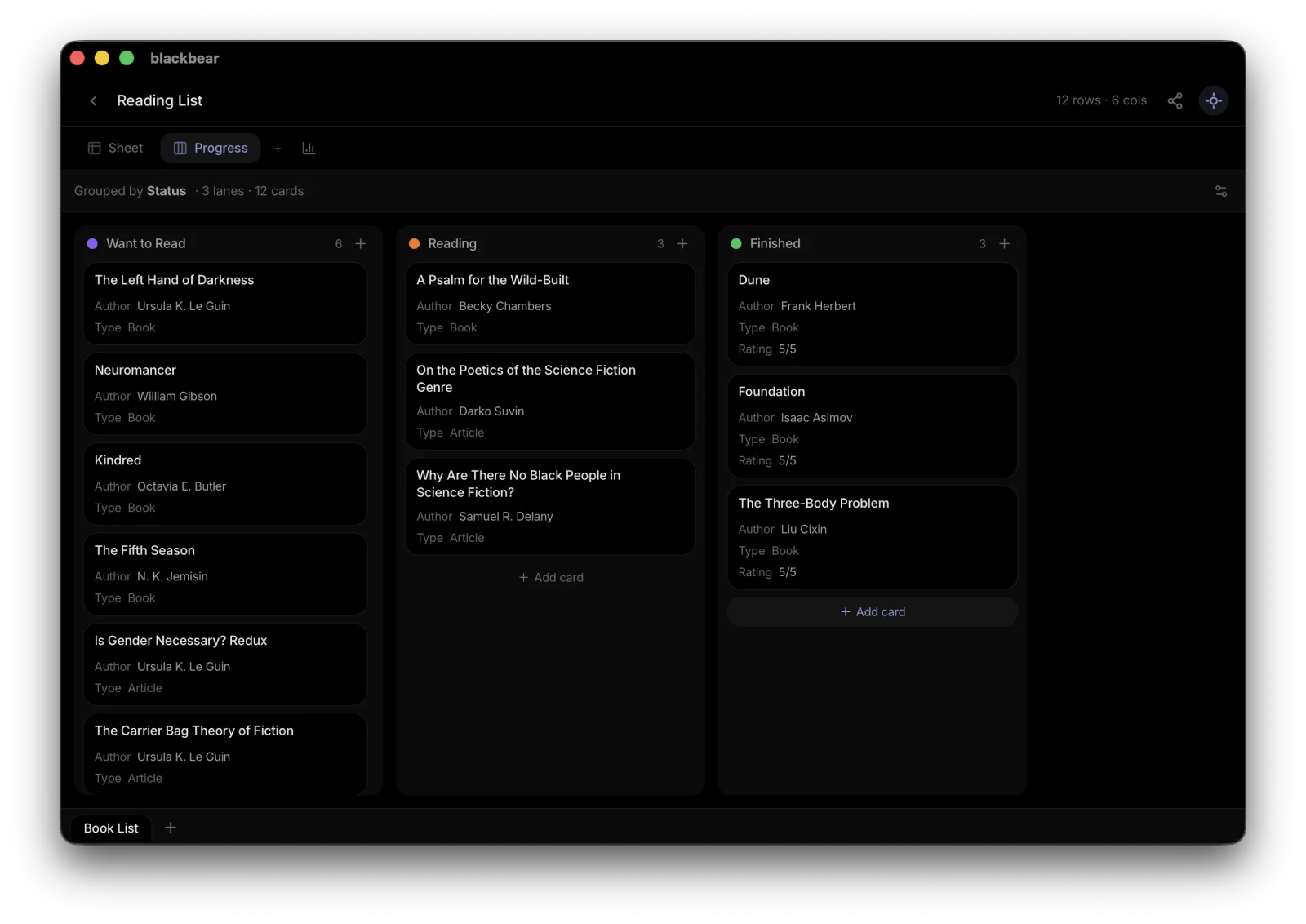
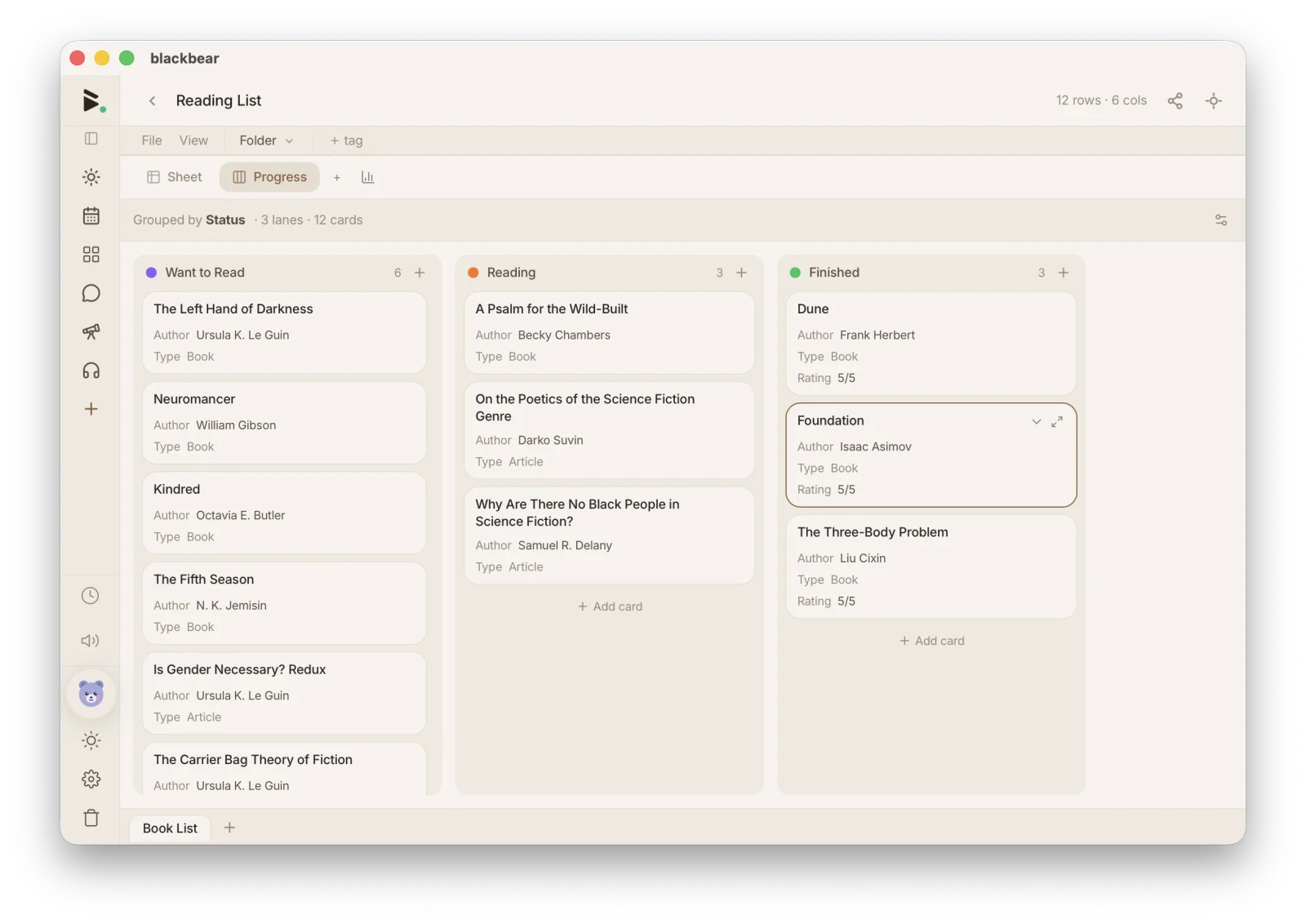
Switch any spreadsheet to a kanban board. Drag cards between columns to update status.

Fill handle

Drag to fill sequences, copy formulas, and auto-complete patterns — just like you'd expect.

Templates

Budget trackers, meal planners, habit trackers, project boards — start from a template or build your own.

How blackbear compares

vs Google Sheets

blackbear keeps your data on your device and encrypts it in the cloud. Google Sheets requires an internet connection and a Google account.

vs Notion databases

blackbear has real formulas, fill handle, and chart views — not just a styled table. And it works offline.

vs Airtable

blackbear is free with no record limits. Your data stays on your device, not on someone else's server.

Try blackbear free

A powerful spreadsheet engine with formulas, column types, charts, and kanban views — all inside your private productivity app. Free. Private. Yours.

Get started — it's free

Explore more of blackbear