tasks
Tasks that stay on your device
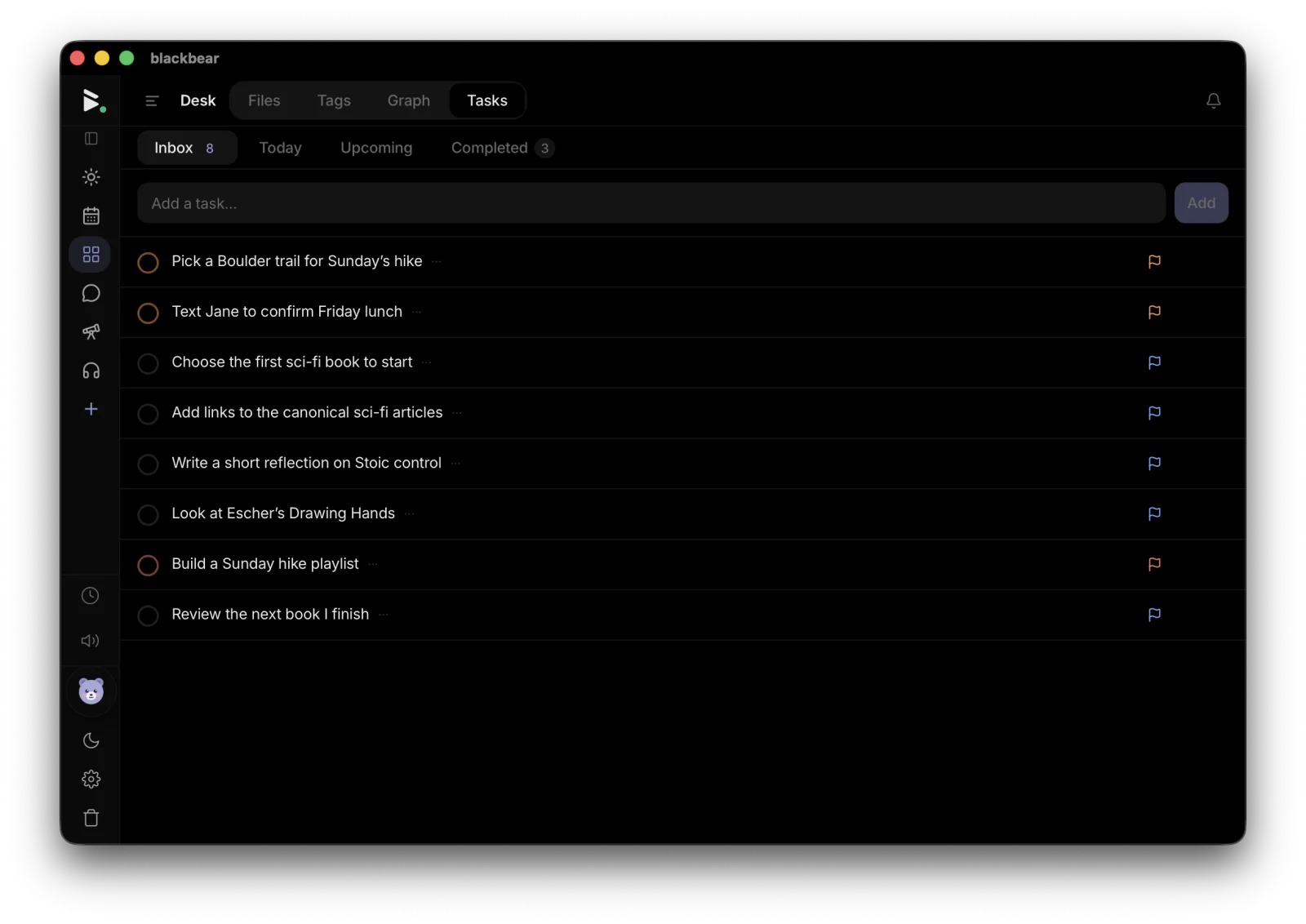
A clean task manager with priorities, due dates, and natural-language scheduling, integrated with your calendar and daily journal.
Free license includes the full local app. No credit card required.
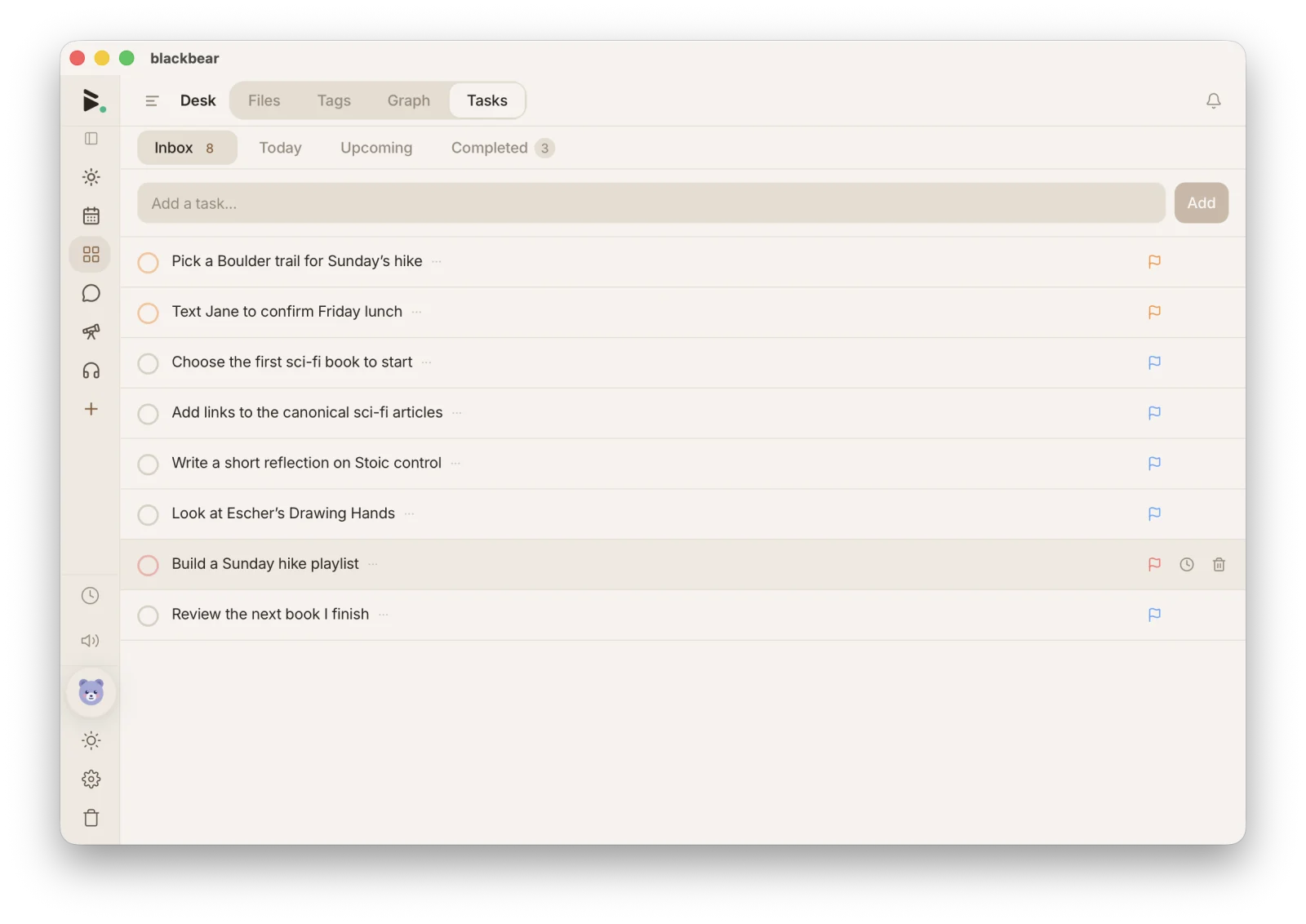
A clean task manager with priorities, due dates, and natural-language scheduling, integrated with your calendar and daily journal.
Free license includes the full local app. No credit card required.
Set due dates and priority levels, and get a clear view of what needs attention today.
Type “tomorrow at 9” or “every Friday” and blackbear understands and schedules it.
Tasks with due dates appear on your calendar. Your schedule and to-dos in one view.
Today’s tasks are front and center when you open blackbear. Never miss what matters.
Repeat daily, weekly, or on a custom schedule. Build habits with consistency.
Organize tasks into folders: work, personal, projects. Tag for cross-cutting categories.
Tell Pax what needs doing and they keep the list: creating tasks with priorities, due dates, and recurrence, updating them as things change, and checking them off.
You stay in control of what Pax sees: mark any file, folder, or tag as read-only or hidden, and review every restriction in Settings.
blackbear is free with no feature limits. Your tasks stay on your device and are end-to-end encrypted in the cloud.
blackbear works on every platform, not just Apple. And it includes notes, calendar, and messaging alongside tasks.
blackbear has a dedicated task experience, not a database view. Fast, focused, and works offline.
Everything here lives in the same private workspace: searchable together, linked together, and synced together.
Rich markdown with tables, wiki-links, and templates.
Daily entries with prompts, templates, and streaks.
Google + iCloud sync, recurring events, and reminders.
Formulas, charts, kanban boards, and saved views.
End-to-end encrypted chats and calls, no phone number.
An infinite canvas with drawing, diagrams, and live embedded files.
Non-destructive photo editing with filters, kept on your device.
Read EPUBs and PDFs with highlights, notes, and bookmarks.
Paginated documents with tables, images, and live co-editing.
Presentation decks with live co-editing, and Pax composes slides with you.
Voice memos with on-device transcription, music, and mixing.
Slides, video calls, image editing, and Pax, your AI companion.
Priorities, due dates, and scheduling that respect your privacy. Free. Private. Yours.