drawing

A canvas for your ideas

Freehand drawing with artboards, pen presets, and pressure sensitivity. Sketch, annotate, or create visual notes — right alongside your other work.

Free license includes the full local app. No credit card required.
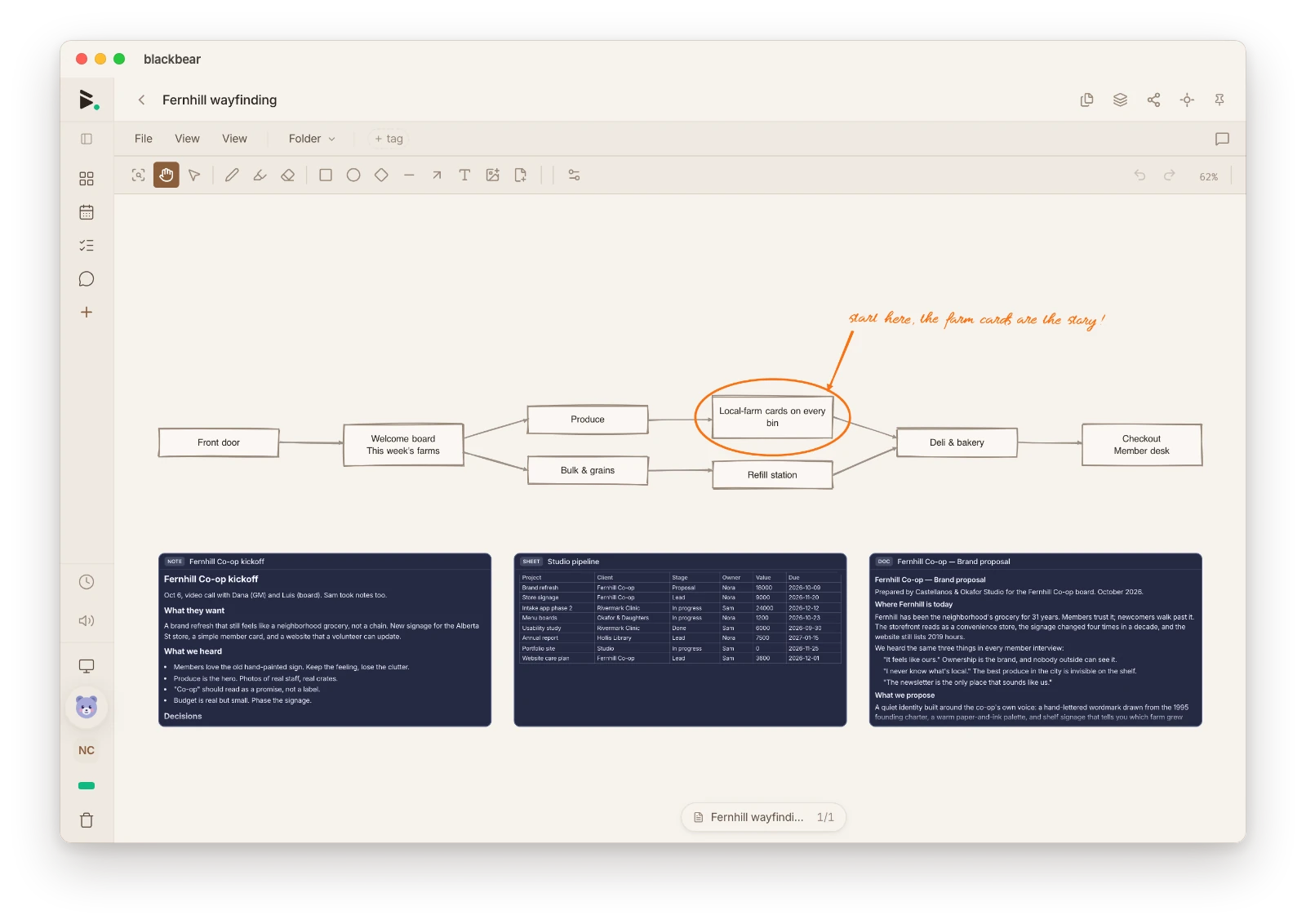
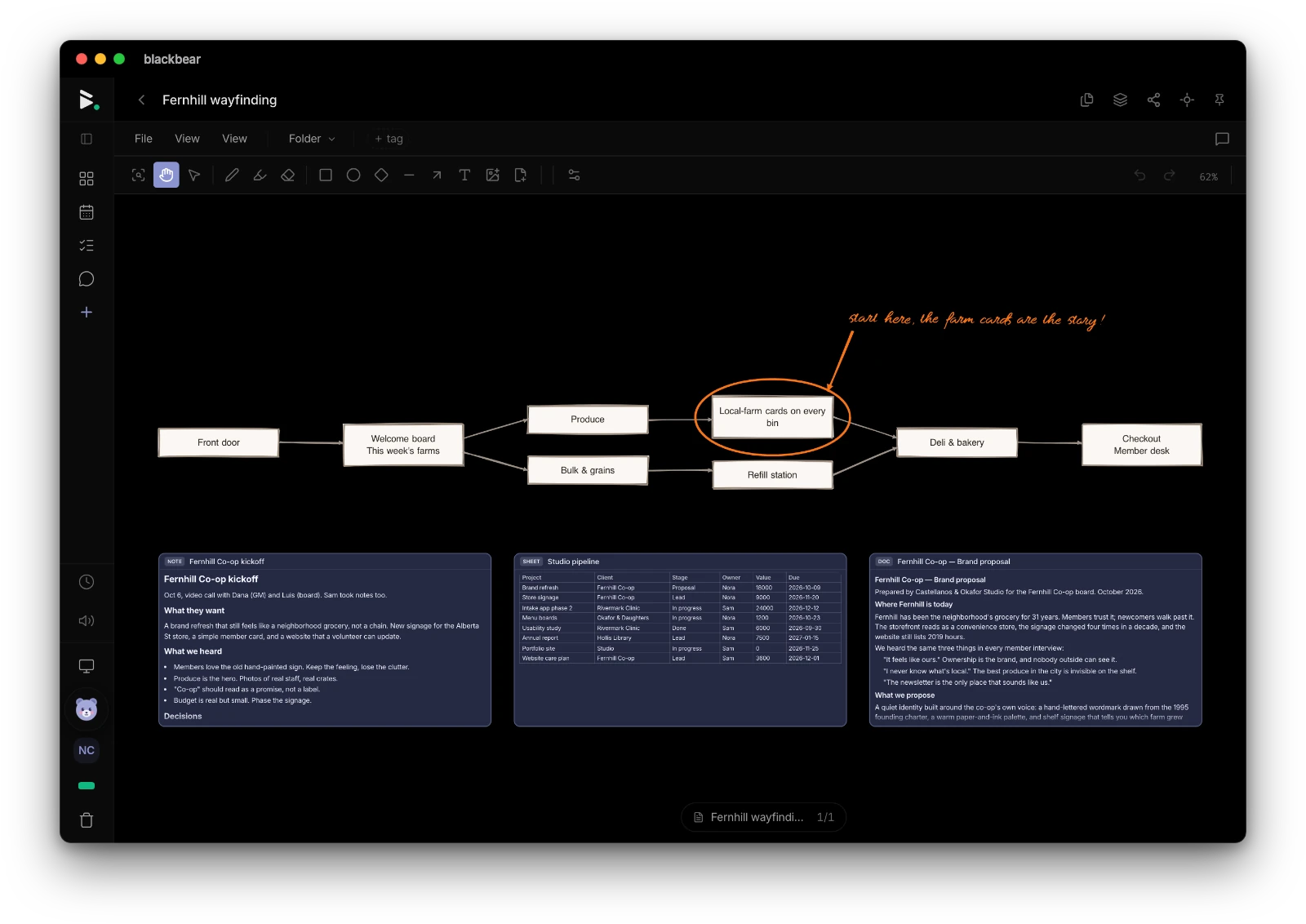
blackbear drawing canvas — wireframe mockup with annotations and brush tools

What you can do

Pressure-sensitive freehand

Draw naturally with pressure sensitivity. Perfect for stylus input on tablets and touchscreens.

Artboards

Multiple artboards per canvas. Organize sketches, wireframes, or visual notes on separate pages.

Brush presets

Switch between pen styles — fine tip, marker, highlighter. Save your favorite settings.

Color picker

Full color picker with recent colors. Choose any color for your drawings.

Undo and redo

Full undo/redo history. Experiment freely without worry.

Export

Export your drawings as images. Share or use them in your notes and documents.

How blackbear compares

vs Excalidraw

blackbear includes drawing alongside notes, calendar, tasks, and messaging — one app. And it works offline with local storage.

vs GoodNotes

blackbear is free and works on every platform. Drawing lives alongside your notes, tasks, and calendar.

vs Apple Freeform

blackbear works on every platform and keeps your data private. No Apple account required.

Try blackbear free

Freehand drawing with artboards, pen presets, and pressure sensitivity. Free. Private. Yours.

Get started — it's free

Explore more of blackbear