calendar

A calendar that keeps your schedule private

A full calendar with drag-to-reschedule, recurring events, and Google Calendar and iCloud sync, integrated with your tasks and daily journal.

Free license includes the full local app. No credit card required.
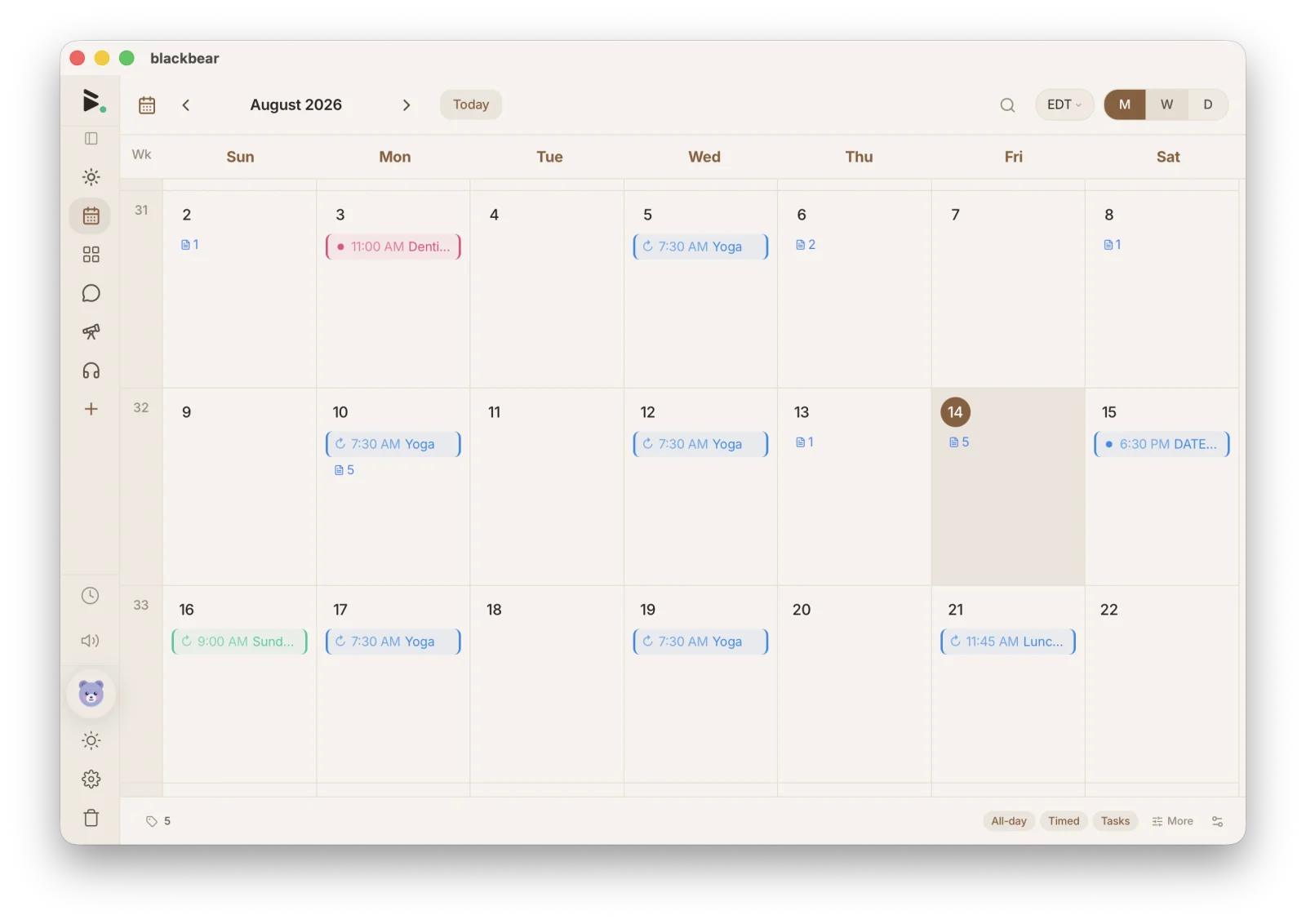
blackbear calendar month view, native desktop app

What you can do

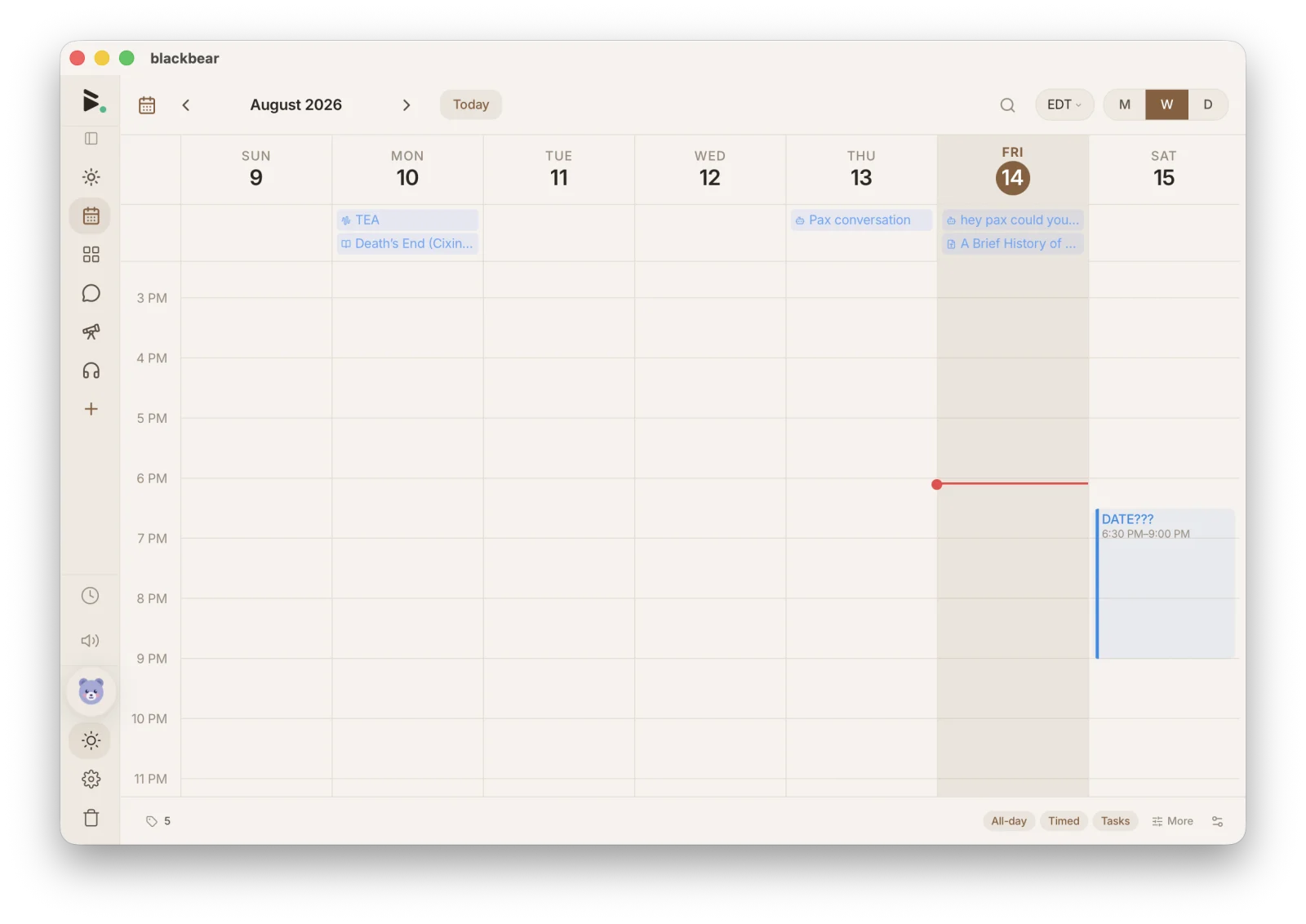
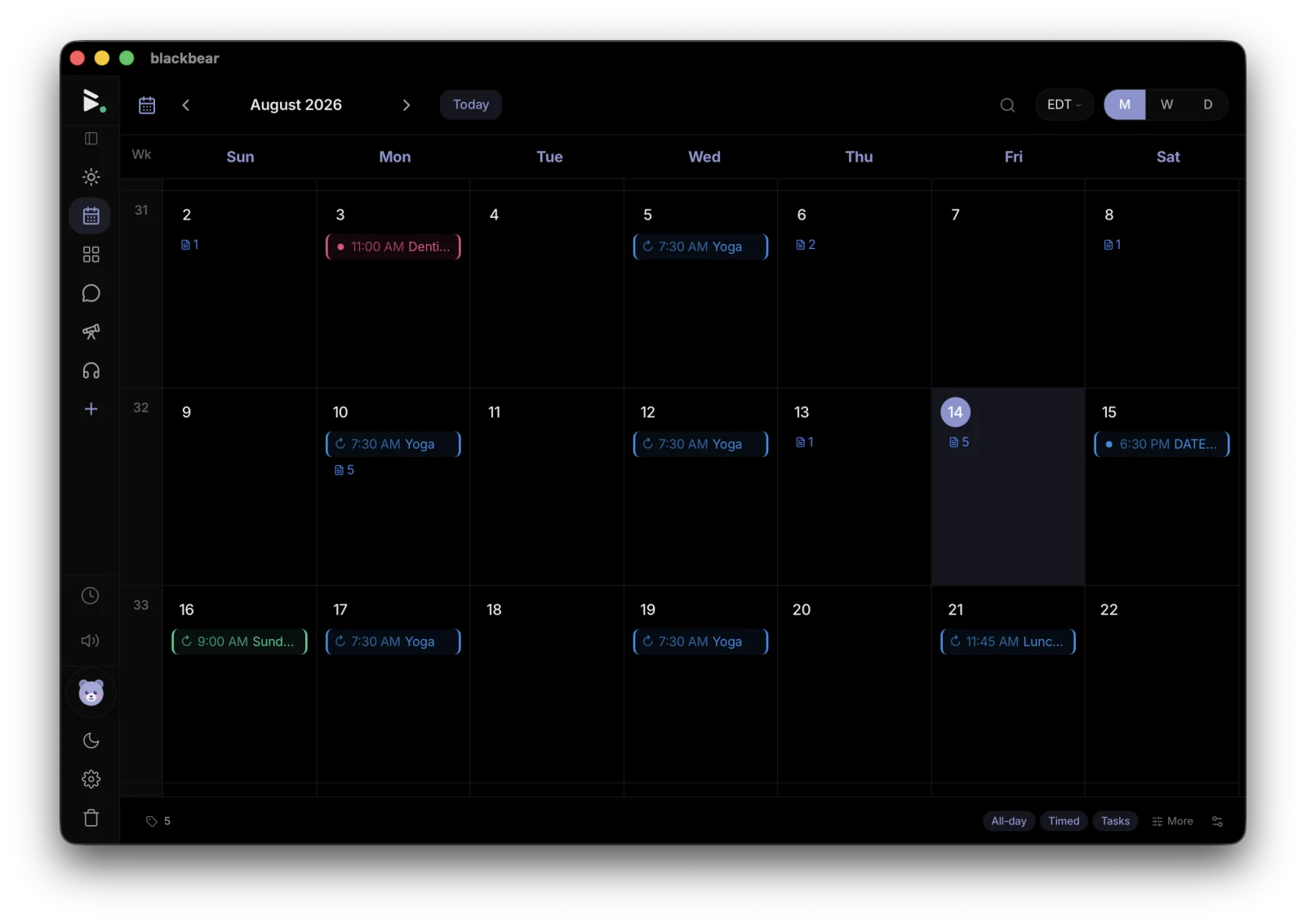
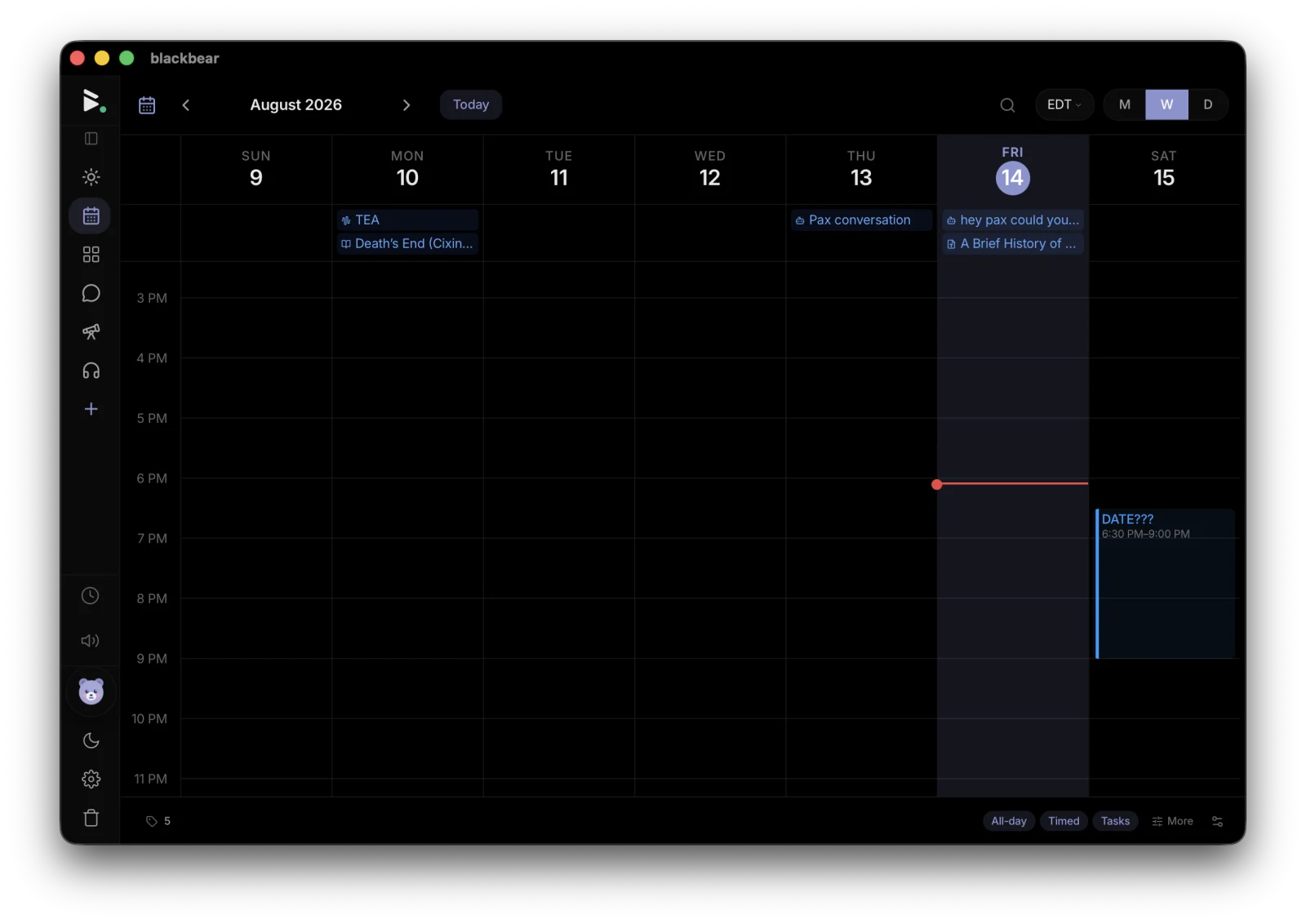
Day, week, and month views

See your schedule the way that works for you. Switch views with one click.

Drag to reschedule

Move events by dragging them. Resize to change duration. Fast and intuitive.

Recurring events

Daily, weekly, monthly, or custom recurrence patterns. Set it and forget it.

Google and iCloud sync

Connect Google Calendar or any CalDAV calendar, including iCloud. See everything in one place.

Invite people by email

Add people to your events. Invites go out as real email with an RSVP round-trip, whatever your guests use.

Tasks and Today

Tasks with due dates land on your calendar, and your whole day (events, tasks, journal) lives in the Today view.

With Pax

Ask Pax what your day looks like, or hand them the scheduling: they create, update, and clear events, and answer questions about your day or the week ahead.

You stay in control of what Pax sees: mark any file, folder, or tag as read-only or hidden, and review every restriction in Settings.

How blackbear compares

vs Google Calendar

blackbear keeps your schedule on your device and encrypts it in the cloud. Google reads your events; blackbear can’t.

vs Apple Calendar

blackbear works on every platform, not just Apple devices. And it includes notes, tasks, and a journal in the same app.

vs Fantastical

blackbear is free with a full calendar built in. No monthly subscription for the basics.

Own your schedule

A private calendar with sync, recurrence, and task integration. Free. Private. Yours.

Get started free